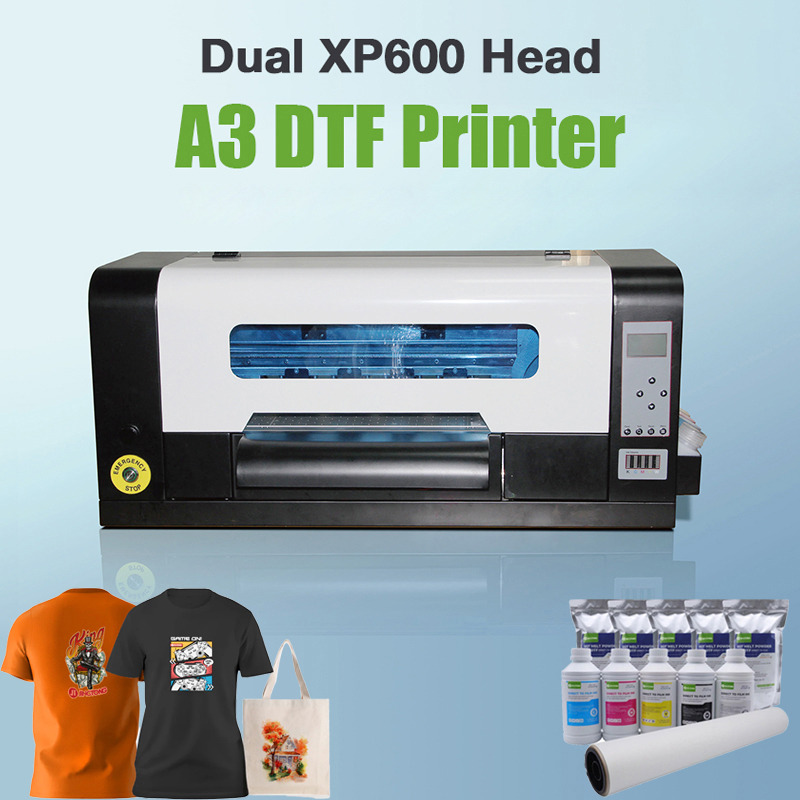
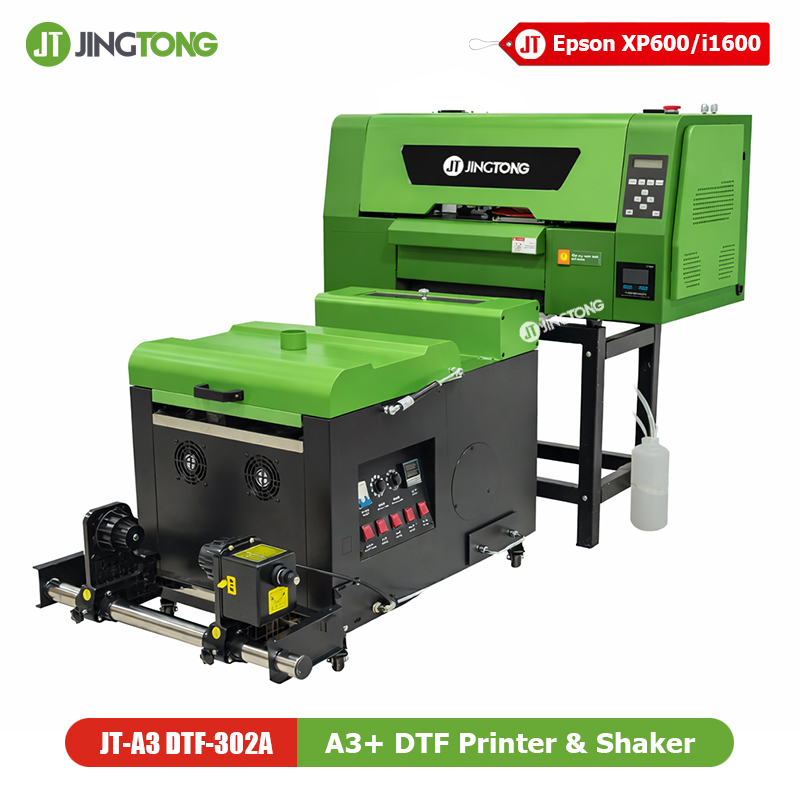
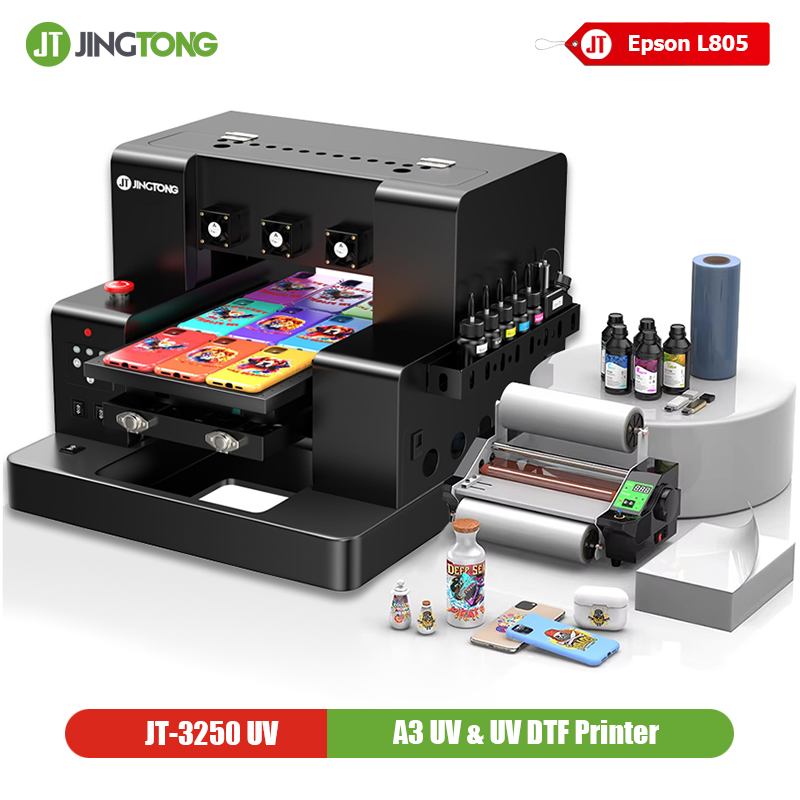
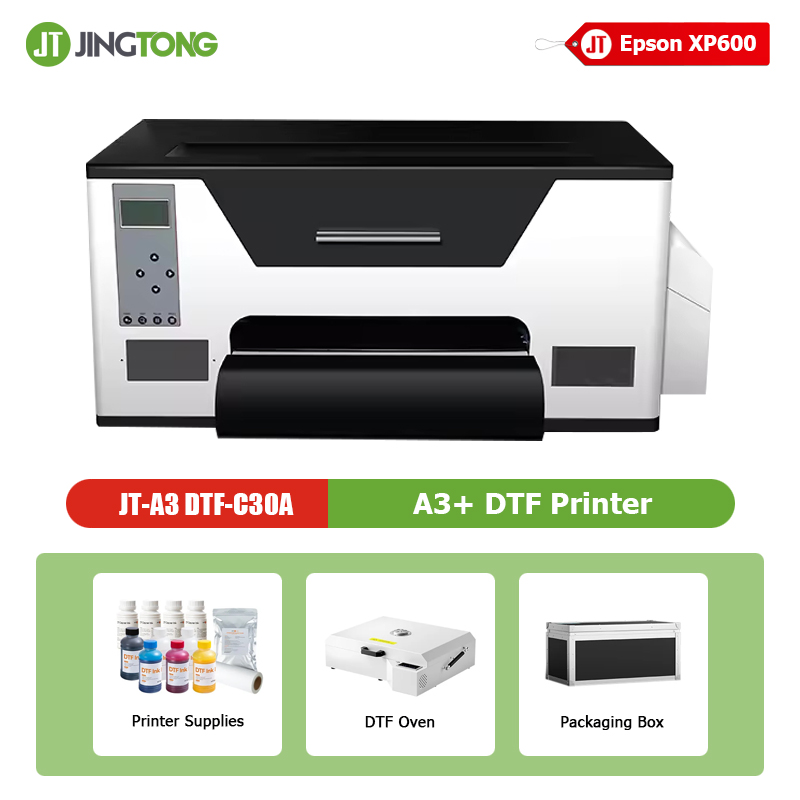
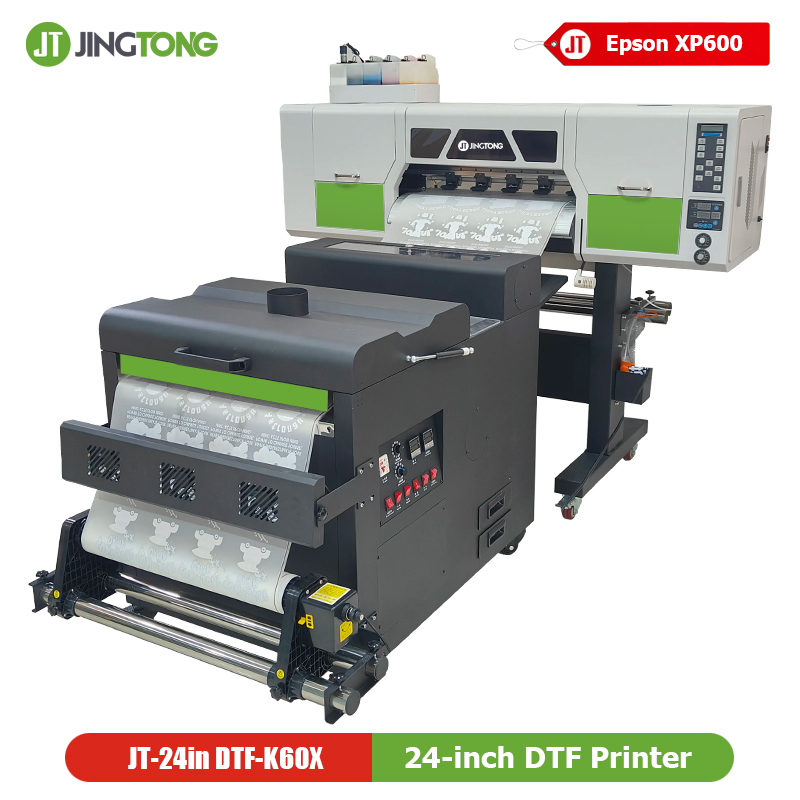
24 inch DTF Printing Machine Top Rated Direct to Film Transfer Printer with XP600 Printheads

JT-24in DTF-K60X is a cost-effective 24-inch DTF printer configured with dual Epson XP600 printheads, designed for entry-level users, startups, and growing custom apparel businesses. It delivers reliable print quality and stable performance, making it an ideal choice for users entering DTF production or upgrading from outsourcing.
Technical Highlights:
Print Head: 2 * Epson XP600 printheads.
Print Size: 24in (600mm) maximum print width.
Print Speed: 6 - 8 m²/ h
Printing Resolution: 720 x 1200dpi; 720 x 1800dpi; 720 x 2400dpi (4Pass, 6Pass, 8Pass)
Ink Type: C, M, Y, K, W
Best For
• Startups & small workshops
• Budget-conscious buyers
• Entry-level 24-inch DTF production
Key Selling Points of JT-24in DTF-K60X Printer
• Dual Epson XP600 Printheads: Proven, affordable solution with stable output
• Entry-Level Friendly Configuration: Easy to operate and maintain
• 24-Inch Printing Width: Higher productivity than A3-sized DTF printers
• Optimized White Ink System: Supports smooth daily operation
• Low Investment, Fast Start: Ideal for new DTF businesses

Specification
| Model | JT-24in DTF-K60X |
| Print head | Epson XP600 |
| Number of nozzles | Epson XP600*2 pcs |
| Printing Speed | 6-8 m2/h |
| Ink | Type: Water pigment ink Capacity: 5 Colors: 1.5L*5/color Continuous supply system Colour: CMYK+W |
| Media type | DTF PET Film |
| Dimensions(mm) | 1655*750*1550mm |
| Transmission interface | USB 2.0 |
| Printer head cleaning | Automatic spray cleaning |
| Operating system | Win 10, Win 11 |
| Interface | Gigabit network port |
| Print width | 600mm |
| Power | Printer: 2000W Dryer: 450w |
| Temperature | Temeperature: 15-32C |
| Humidity | Humidity: 35-65% |
| Rip software | Maintop 6.1, PP, RIIN |
| Printing height | 1.5-6mm |
| Print resolution | 4 pass: 720*1200; 6pass: 720*1800; 8 pass: 720*2400dpi |
| image format | TIFF JPG EPS PDF |
| Weight | 138 kg |
| Heating System | Powder shaking machine built-in infrared drying |
| Reeling function | Automatic sensing system |
| Powder shaker package size/weight | 1280*930*1180mm/150KG |
Printhead Configuration Comparison
| Model | Printhead | Speed Level | Target User |
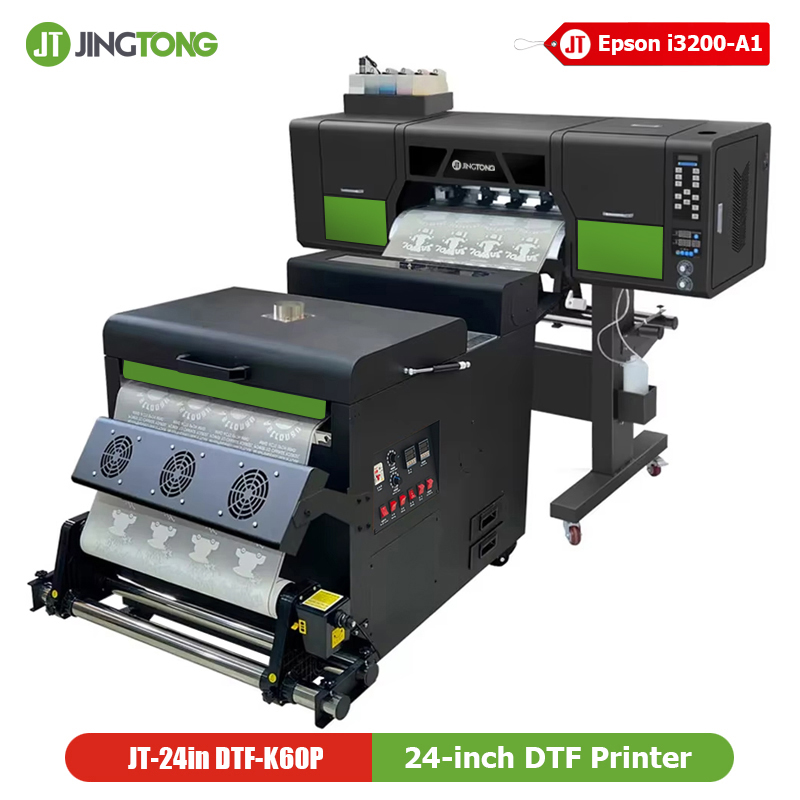
| JT-24in DTF-K60P | Dual i3200-A1 | ★★★★★ | Industrial / High-volume |
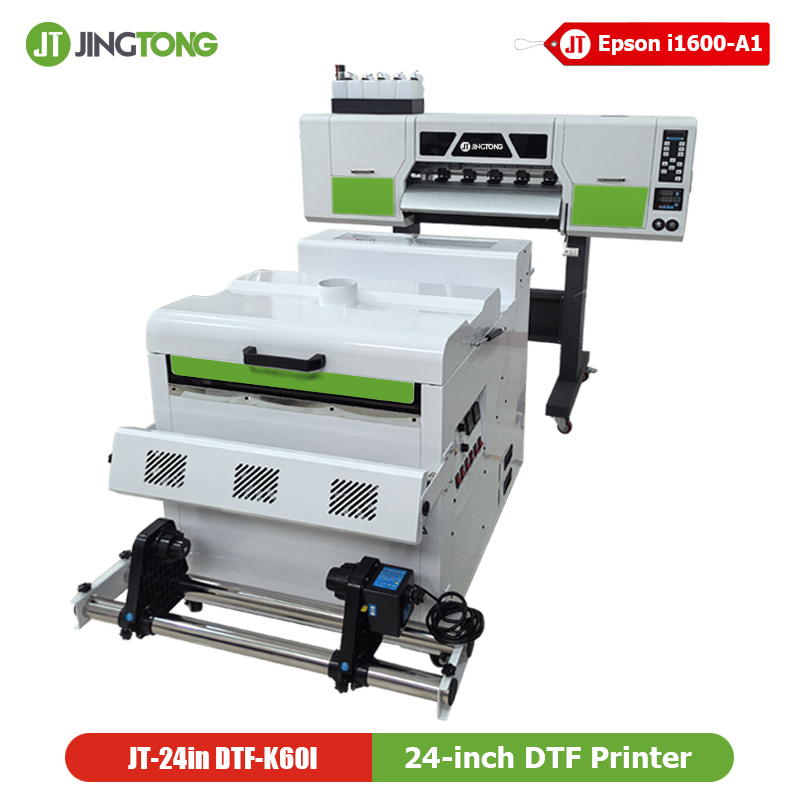
| JT-24in DTF-K60I | Dual i1600-A1 | ★★★★☆ | Professional Studio |
| JT-24in DTF-K60X | Dual XP600 | ★★★☆☆ | Entry / Growing Business |

PrecisionCore Technology
Precision made of Epson unique MEMS nozzles and an ink flow path ensure theperfectly round ink droplets are placed accurately and consistently.
Epson i1600
Ink ejection of up to 4 colours realize with high resolution (600 dpi/colour). In addition to the I3200, I1600 has also been added to the lineup in order to meet the various customer needs.
Epson i3200
PrecisionCore print head has proven high durability and extended service life by Epson’s industrial printers.
Epson XP600
Epson DX11 printhead is used by various Epson printers including the XP-600 series. This is the original Epson head (part number F1080-A1 / FA09121 / FA09xxx).
Working Process of Jingtong DTF Printer
T Shirt (DTF) Printing Process
- Design Pattern Spot Color Channel
Create spot color channels using a variety of design applications.
- RIP Jobs
Utilize RIP software; spot color and color are RIP out.
- Printing, Dusting & Drying Processing
Can quickly realize the process of printing, dusting, shaking powder, drying, the whole process of automation, the temperature can be adjusted according to the printing situation in a timely manner.
- Heat Transfer
The rolls of printed PET film are cut, then transferred and embossed using a heat press, and finally the film is torn off to get a printed garment.

DTF Applications
This Jingtong Dual XP600 A1 DTF Printing Machine can customize all kinds of clothing, unlimited colors, and unlimited fabrics, suitable for many types of groups for batch customization or personalization. For example, a couple of clothing, school bags, fresh canvas shoes, and so on. Support customization with pictures or store design options, good printing effect, washable, stretchable, comfortable, and soft.

FAQ
1. What is the main difference between the XP600 and i1600 printhead versions?
The main difference is printing speed and long-term production capacity. The dual XP600 version is designed as a cost-effective entry-level solution, while the i1600 version offers higher speed and better stability for daily commercial production.
2. Is the print quality of the XP600 version sufficient for commercial use?
Yes. The XP600 printhead delivers sharp images, accurate colors, and reliable white ink output, making it suitable for customized orders, small batches, and short-run DTF production.
3. Who is this dual XP600 DTF printer best suited for?
This model is ideal for:
• Start-up DTF businesses
• Small workshops and home-based studios
• Users testing the DTF market
• Customers with limited daily production volume
4. Does this printer support stable white ink printing?
Yes. The printer is equipped with a white ink circulation and stirring system to reduce ink sedimentation and help maintain consistent white ink performance.
5. What materials can be transferred using this DTF printer?
Printed DTF films can be heat-transferred onto cotton, polyester, blended fabrics, denim, leather, nylon, and other commonly used textile materials.
6. Is the XP600 version easy to operate for beginners?
Yes. This model features a simple operating workflow and user-friendly software, allowing new users to start printing quickly with basic training.
7. What RIP software is compatible with this printer?
The printer supports popular RIP software such as Maintop and Photoprint. Other RIP solutions may be available depending on customer needs.
8. Can this printer handle continuous printing?
The dual XP600 version is suitable for short-to-medium continuous printing sessions. For heavy long-hour production, customers may consider the i1600 or i3200 versions.
9. What kind of maintenance is required for XP600 printheads?
Daily nozzle checks, routine cleaning, and maintaining proper temperature and humidity are recommended. With correct use and maintenance, XP600 printheads provide stable performance.
10. Can I upgrade from XP600 to i1600 or i3200 later?
Although the machine platform is similar, upgrading printheads is not a simple replacement and requires technical evaluation. Customers are advised to select the appropriate configuration based on current production needs.
11. What after-sales support do you provide?
We provide installation guidance, operation training, troubleshooting assistance, and long-term technical support via manuals, video, and online communication.
12. What optional equipment is recommended with this printer?
For higher efficiency, a powder shaker and curing oven system is recommended, along with high-quality DTF ink and film.