





register for newsletter
get latest company news
+86 13113657186



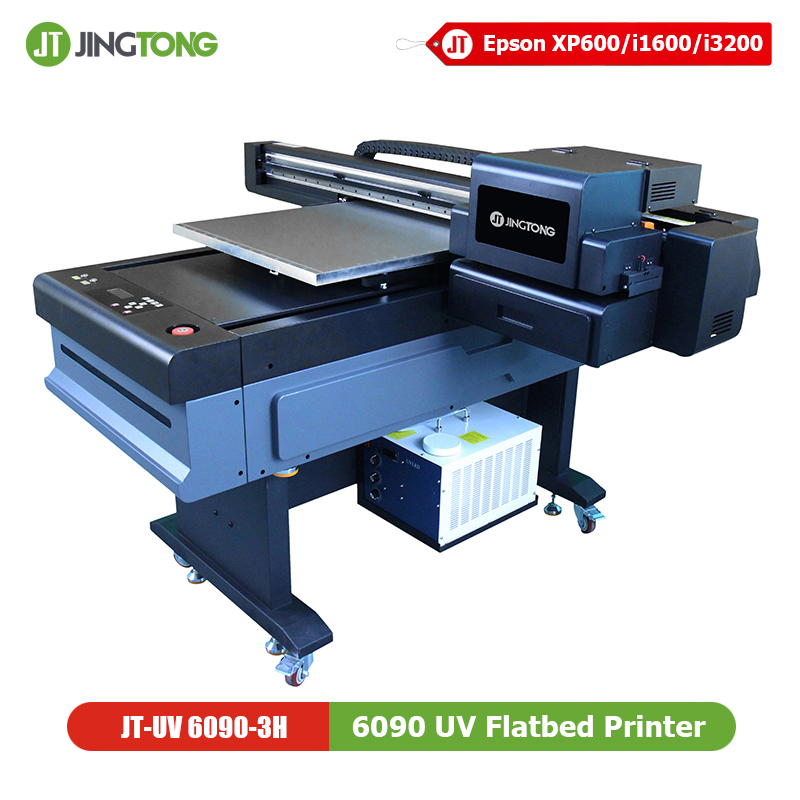
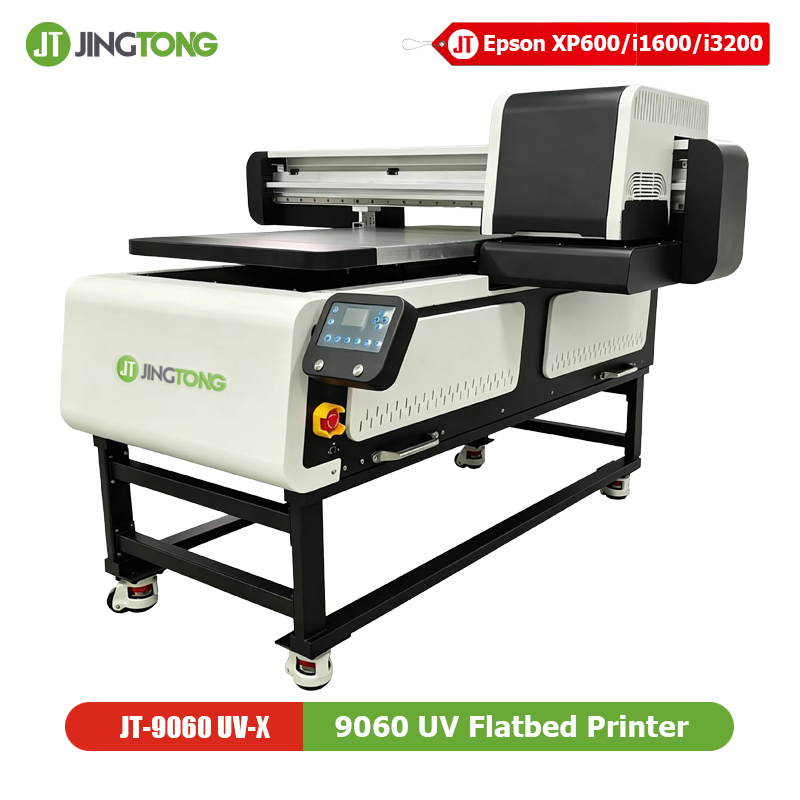
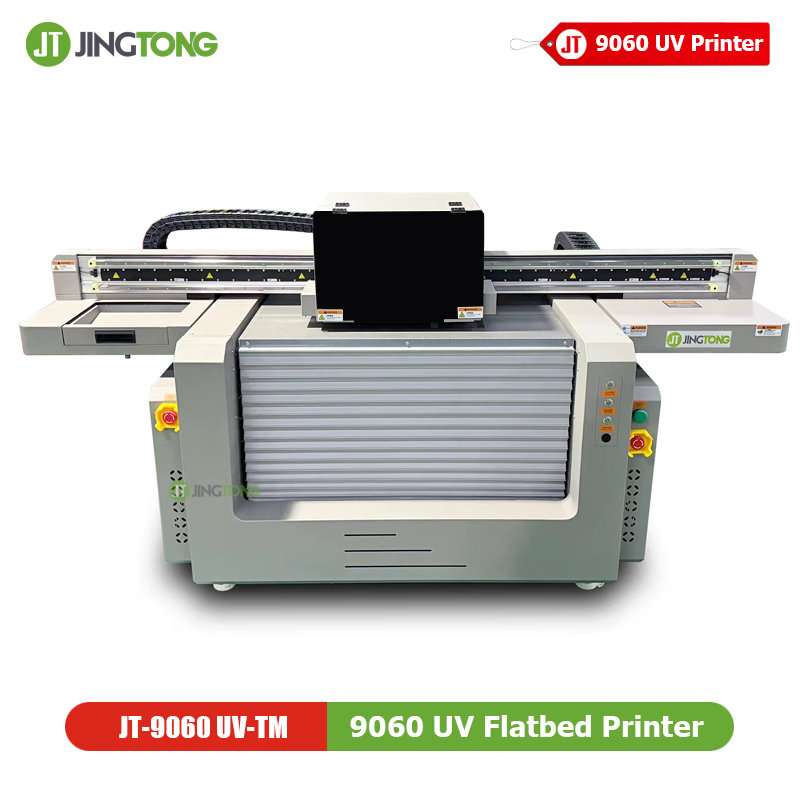
In modern uv printing, controlling ink thickness is essential for maintaining high-quality output, strong adhesion, and stable production efficiency. Whether using a uv flatbed printer for signage, packaging, promotional products, or industrial printing, the relationship between ink thickness and UV curing directly affects the final result.
Properly adjusted UV ink layers help improve image sharpness, curing consistency, and overall durability.
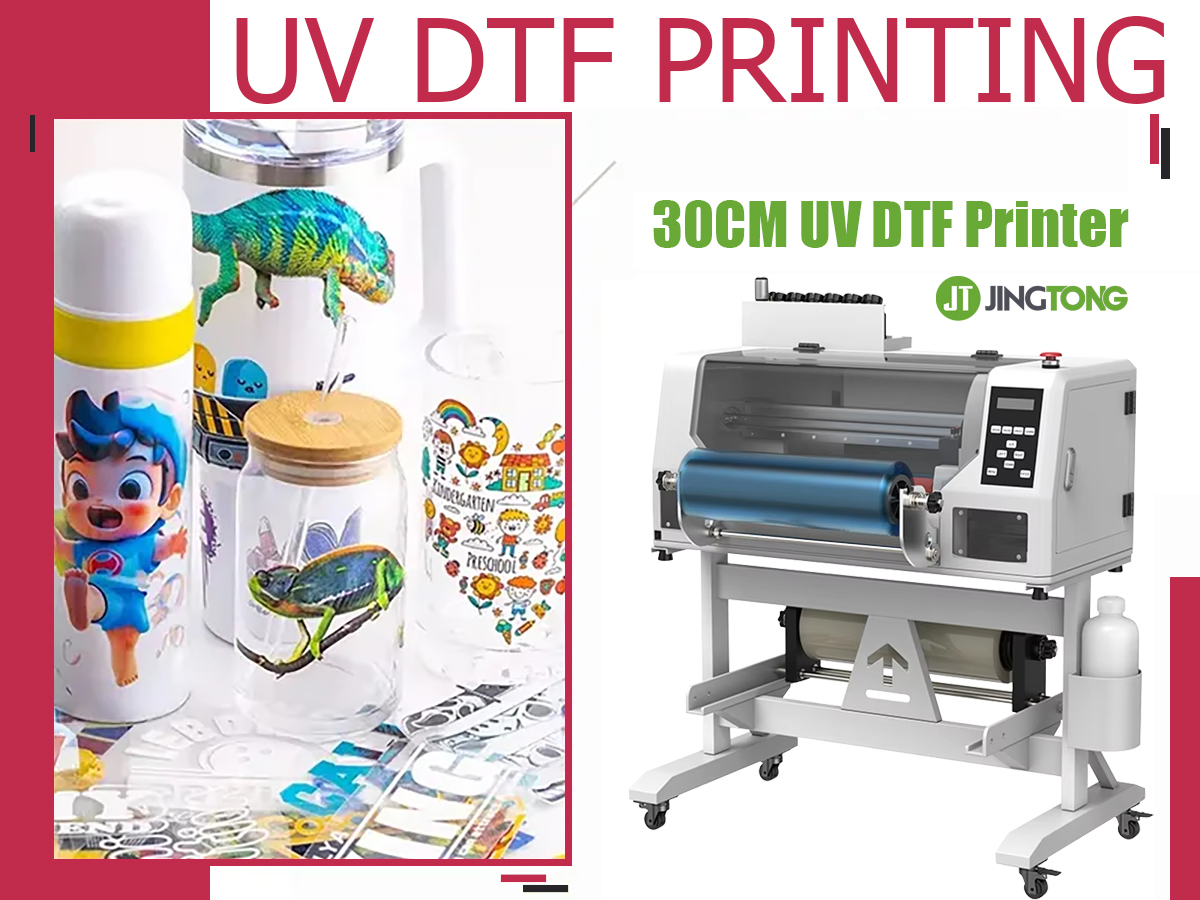
How UV Curing Works in a UV LED printer
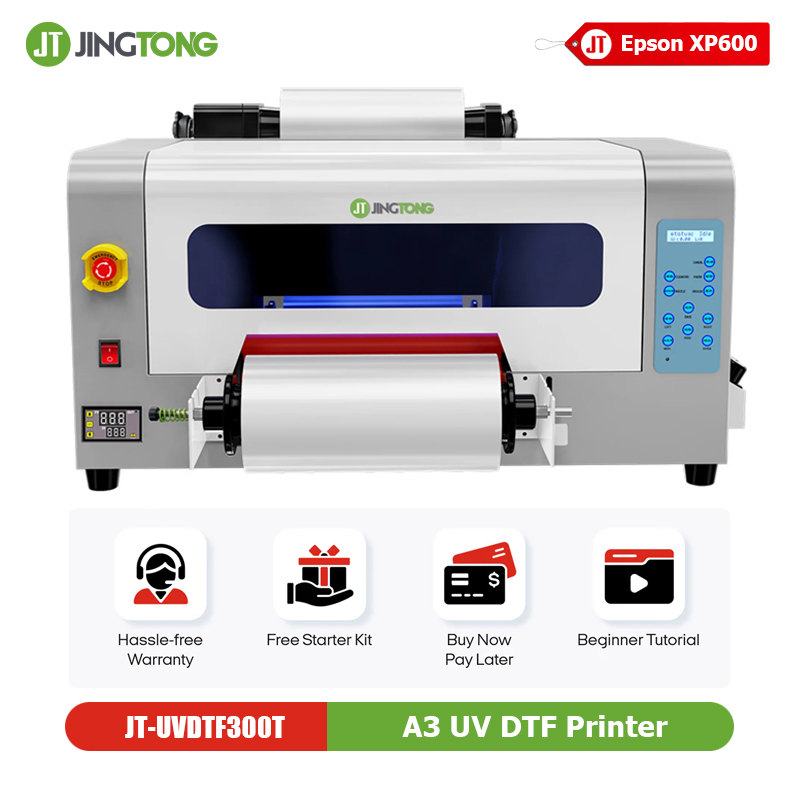
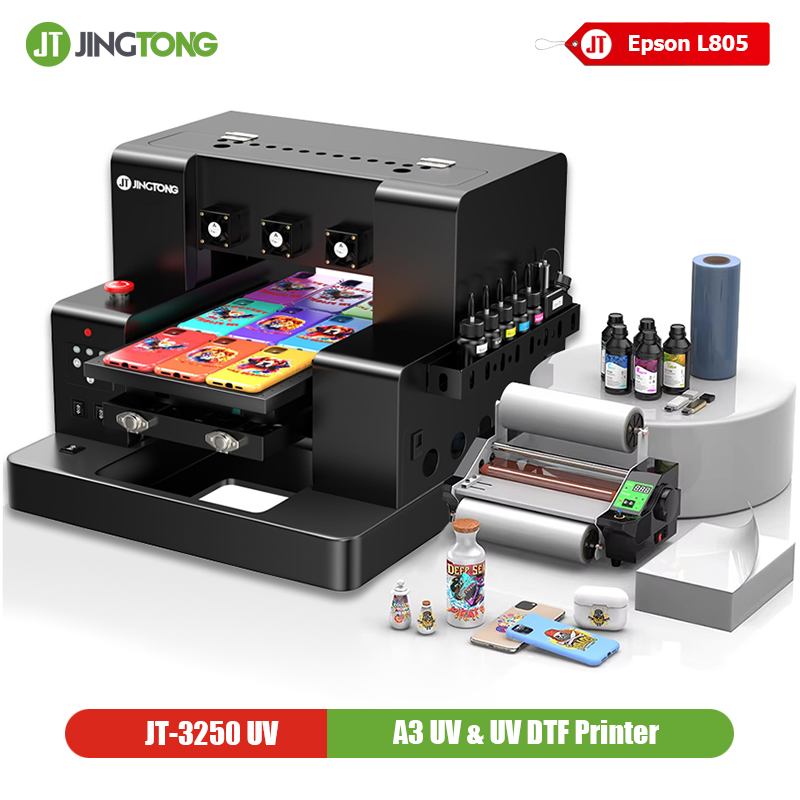
A UV LED printer uses ultraviolet light to instantly cure liquid ink into a solid film. Unlike traditional printing methods, UV inks do not dry through evaporation. Instead, photoinitiators inside the ink react to UV energy and rapidly harden the printed layer.
Because UV light must penetrate the entire ink layer, thickness becomes a critical factor in curing performance.
The Relationship Between Ink Thickness and UV Curing
When the ink layer becomes too thick:
* UV light penetration decreases
* The bottom ink layer may remain uncured
* Adhesion becomes unstable
* Surface tackiness may appear
Research and industry experience show that darker colors and white ink require stronger curing energy because pigments absorb or reflect UV light.
On the other hand, extremely thin ink layers may reduce color vibrancy and surface coverage.
Signs of Incorrect UV Ink Thickness
Under-Cured Prints
Common symptoms include:
* Sticky print surfaces
* Easy scratching
* Ink transfer after touching
* Poor durability
These issues are often related to insufficient UV curing energy or excessive ink thickness.
Over-Cured Prints
Excessive curing may also create problems:
* Brittle ink layers
* Cracks on flexible materials
* Material deformation
* Reduced adhesion
Balancing UV intensity and ink thickness is essential for stable production.
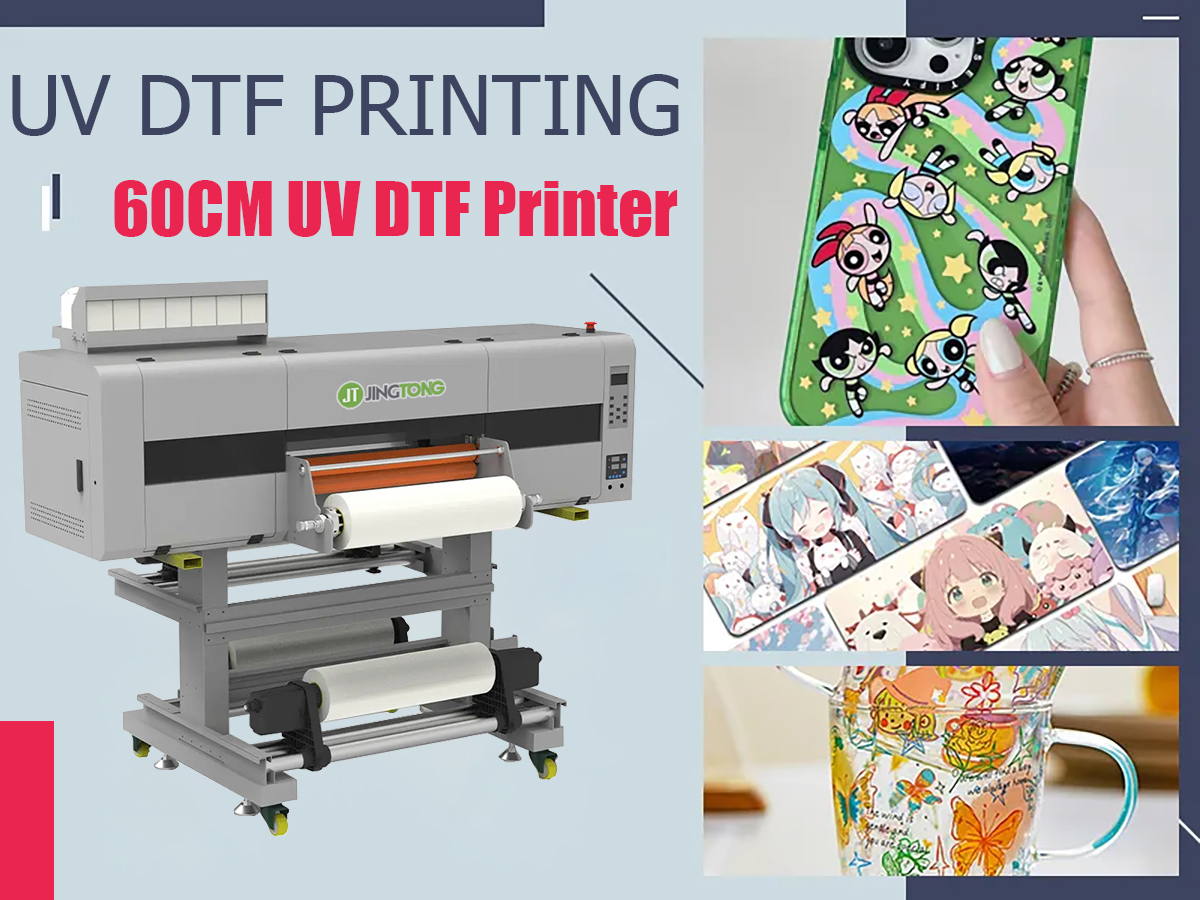
How to Optimize Ink Thickness in a uv printing machine
1. Adjust Ink Volume Settings
Most UV printing machines allow users to control droplet size and ink output. Lower ink volume improves detail accuracy and curing efficiency, while higher ink volume enhances color density and texture effects.
For high-resolution graphics:
* Use smaller droplet settings
* Reduce unnecessary ink accumulation
* Optimize print pass configuration
2. Match UV Power with Printing Speed
Faster production speeds reduce UV exposure time. Thick ink layers require either:
* Slower carriage movement
* Higher UV LED power
* Additional curing passes
Proper balancing improves UV curing consistency.
3. Use Multi-Step Curing
Professional industrial UV flatbed printer systems often apply pinning and full curing separately.
Benefits include:
* Sharper text edges
* Reduced ink spreading
* Improved image detail
* Better surface consistency
Material-Specific Recommendations
Glass and Acrylic
Smooth materials require stable UV curing and strong adhesion. Excessive ink thickness may lead to peeling after long-term use.
Corrugated Packaging and Cardboard
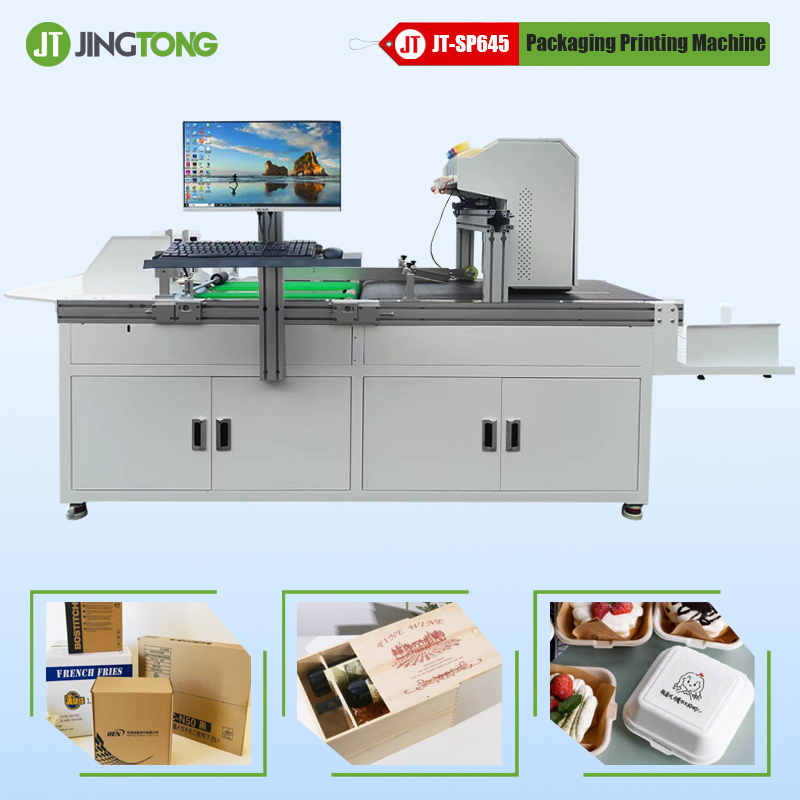
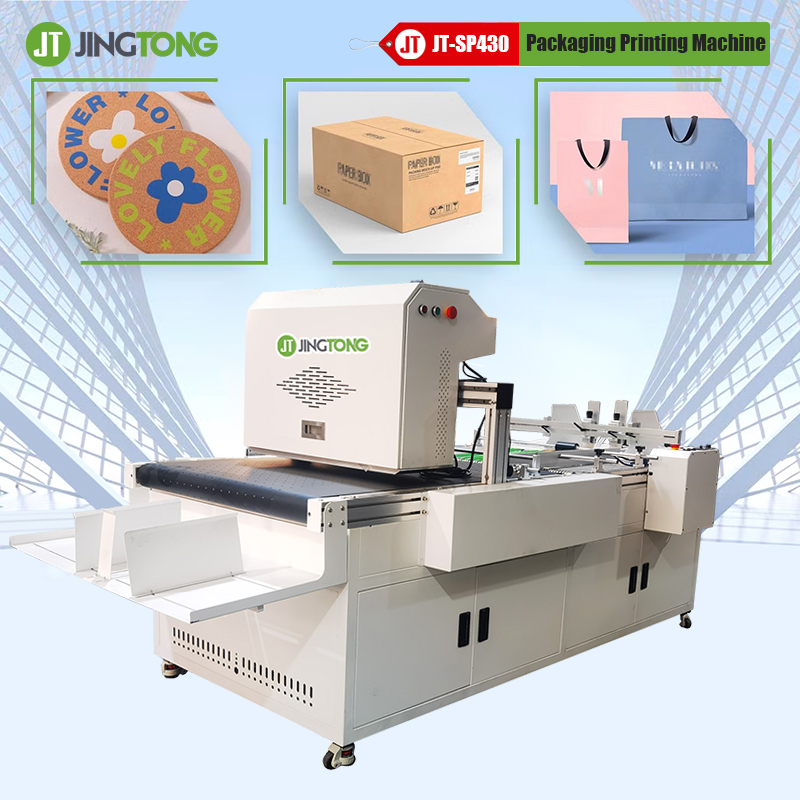
packaging printing applications often need higher ink coverage for vivid graphics. Adjust curing settings carefully to avoid soft inner layers.
Wood and Decorative Panels
Medium ink thickness usually provides better texture appearance while maintaining stable curing.
UV LED Printer Maintenance Tips
To improve UV printing machine performance:
* Clean UV lamp windows regularly
* Use compatible UV inks
* Check curing consistency daily
* Test adhesion before mass production
* Monitor white ink circulation systems
Dirty UV lamps can significantly reduce curing output.
Final Thoughts
Optimizing UV ink thickness is one of the most effective ways to improve UV curing, print quality, and production reliability in industrial printing applications.
Whether operating a UV flatbed printer, packaging printer, or industrial UV LED printer, proper ink management helps reduce defects, improve adhesion, and achieve more professional printing results.
Explore professional UV printing solutions at Jingtong Printer
get latest company news
Scan To Wechat