






register for newsletter
get latest company news
+86 13113657186



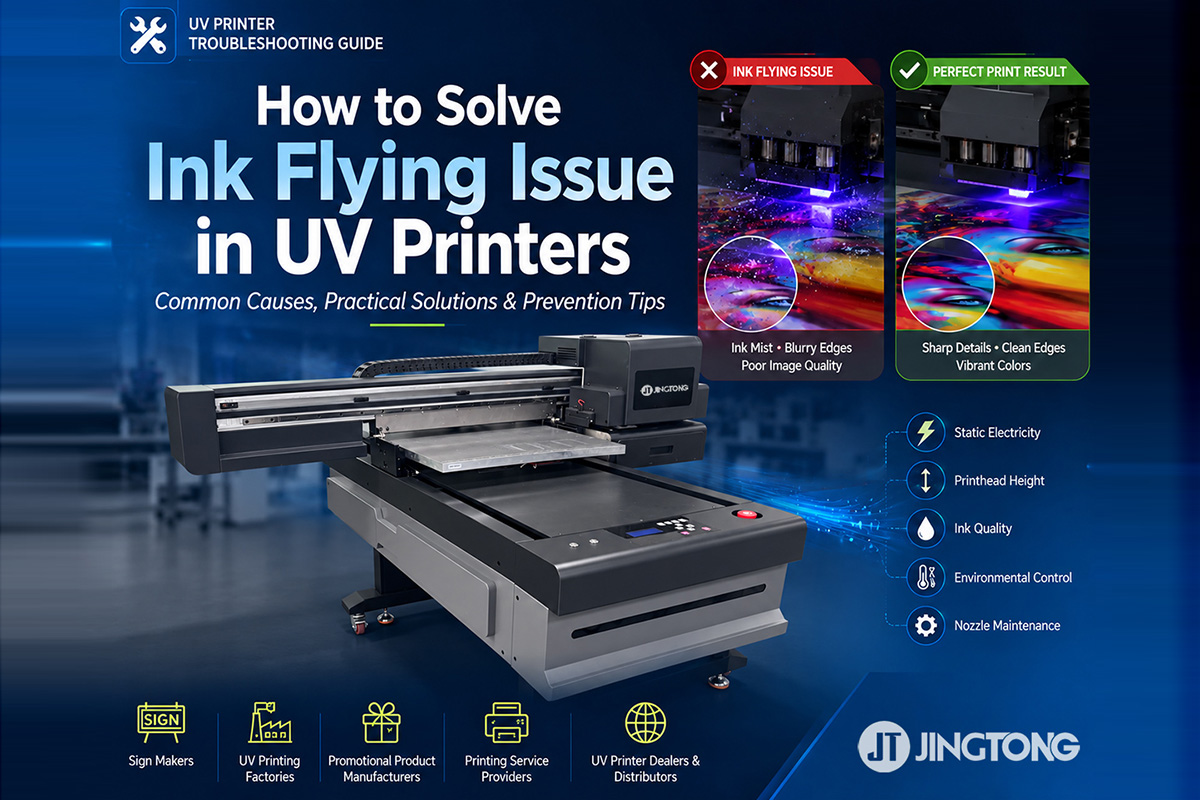
uv printer ink misting occurs when ink droplets deviate from their intended positions, creating unwanted dots, blurry edges, and reduced print quality. This issue can affect printing on acrylic, glass, plastic, metal, and other materials.
Understanding the causes of ink misting helps operators troubleshoot printing defects and maintain consistent results.
1. Common Causes of UV printer ink Misting
Static Electricity
Static electricity on materials such as acrylic, PVC, and plastic can interfere with ink droplet placement.
Solution: Check machine grounding, use suitable anti-static equipment, and maintain the recommended humidity level.
Incorrect Printhead Height
An excessive gap between the printhead and material can cause ink droplets to deviate, affecting image sharpness.
Solution: Adjust the printhead height according to the manufacturer’s recommendations and ensure the material is flat.
Nozzle Problems
Clogged or deflected nozzles can cause irregular ink ejection and unwanted ink spots.
Solution: Perform a nozzle check and follow the recommended printhead cleaning procedure.
Incorrect Settings or Ink Issues
Unsuitable printhead parameters or incompatible UV ink may affect ink ejection stability.
Solution: Verify the recommended printhead settings and use compatible UV ink stored under appropriate conditions.
2. How to Troubleshoot uv printing Defects
If ink misting occurs, follow these steps:
1. Inspect the print: Check whether the defect appears across the entire image or in specific areas.
2. Check the material: Look for static electricity, contamination, or uneven positioning.
3. Verify printhead height: Ensure the gap is suitable for the substrate.
4. Run a nozzle check: Identify missing lines or irregular ink ejection.
5. Review ink and settings: Confirm ink compatibility and check recent parameter changes.
Test the results after each adjustment. If the problem persists, contact your printer supplier for technical assistance.
3. How to Prevent Ink Misting
Regular maintenance helps improve uv printer performance and reduce printing defects.
* Perform nozzle checks regularly.
* Keep the printing platform clean.
* Maintain the recommended printhead height.
* Check grounding and anti-static equipment.
* Use compatible UV ink and approved cleaning solutions.
* Follow the manufacturer’s maintenance instructions.
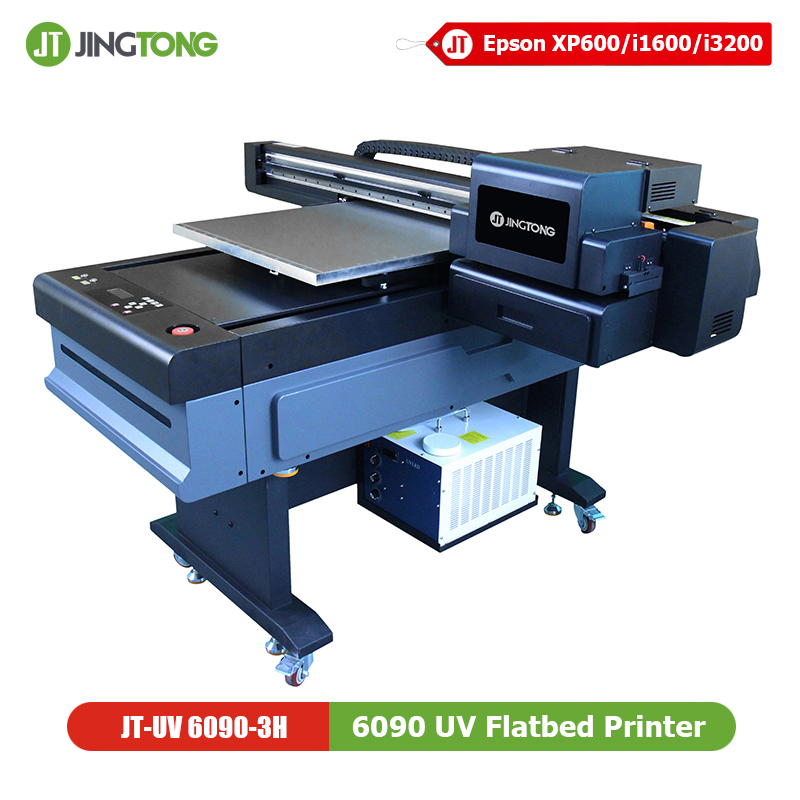
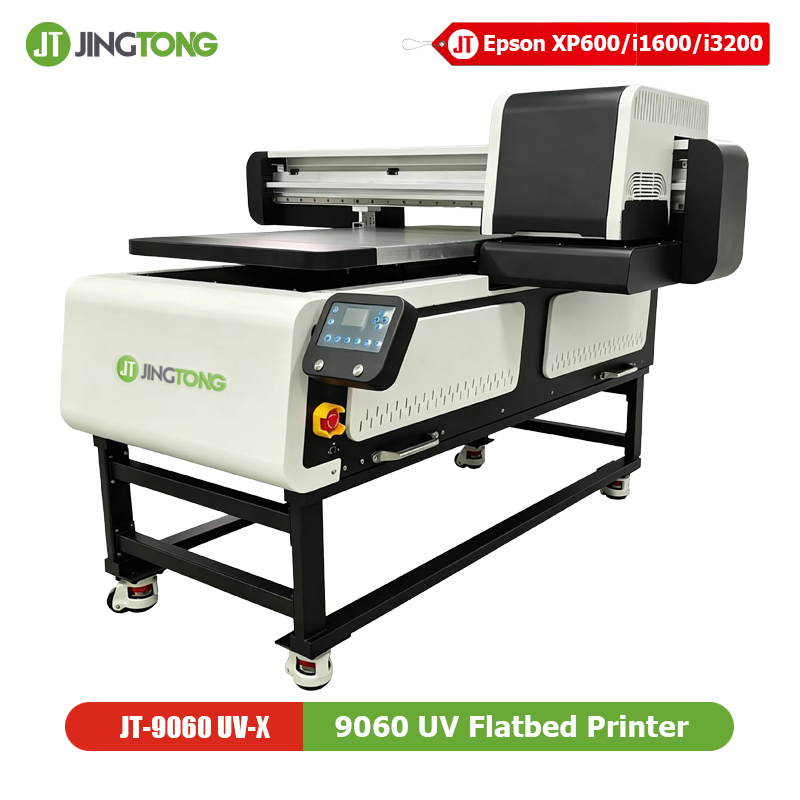
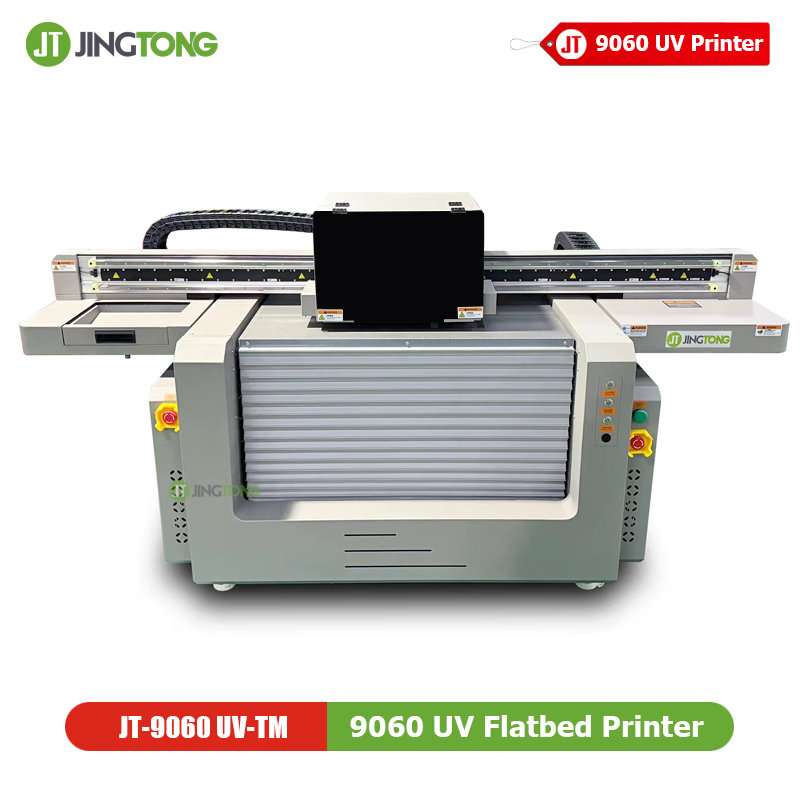
4. Choosing a uv flatbed printer
When selecting a UV flatbed printer, consider printhead configuration, material compatibility, printing height, and maintenance requirements.
Choosing a printer suited to your applications and production needs can help maintain stable printing performance and consistent output quality.
Conclusion
UV printer ink misting is commonly associated with static electricity, incorrect printhead height, nozzle problems, or unsuitable ink and settings.
Checking these factors systematically and following proper maintenance procedures can help reduce unwanted ink droplets and improve UV printing quality.
FAQ
Q: What causes ink misting in a UV printer?
A: Common causes include static electricity, excessive printhead height, nozzle deflection, and unsuitable ink or printing parameters.
Q: Why does ink misting occur on acrylic?
A: Acrylic can accumulate static electricity, which may interfere with ink droplet placement.
Q: Can ink misting damage the printhead?
A: Ink misting does not necessarily indicate printhead damage. Check the substrate, printhead height, nozzle condition, and ink compatibility first.
Q: How can I maintain consistent UV print quality?
A: Perform regular nozzle checks, use compatible UV ink, maintain the correct printhead gap, and follow the manufacturer’s maintenance recommendations.
get latest company news
Scan To Wechat