




register for newsletter
get latest company news
+86 13113657186



Color plays an important role in packaging design. Brand logos, product graphics, and promotional elements all rely on accurate color reproduction to maintain a consistent visual identity.
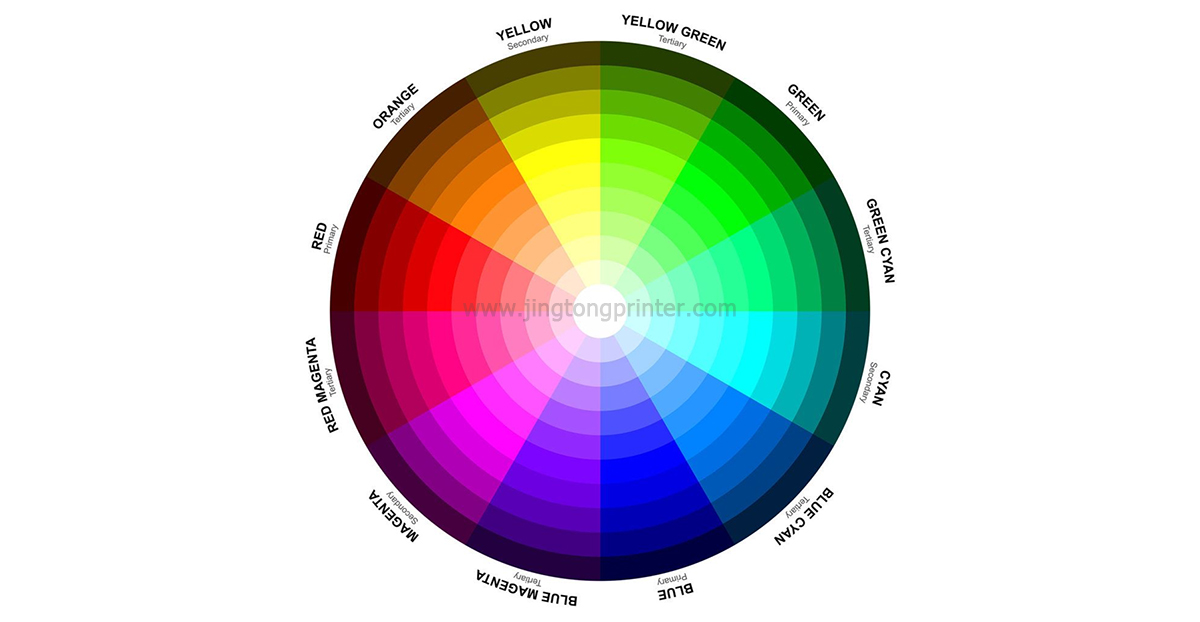
However, colors displayed on a computer screen may look different when printed on packaging materials. One major reason is the difference between RGB and CMYK color modes.
Understanding these two systems helps designers prepare artwork correctly and achieve more predictable printing results.
What Is the RGB Color Model?
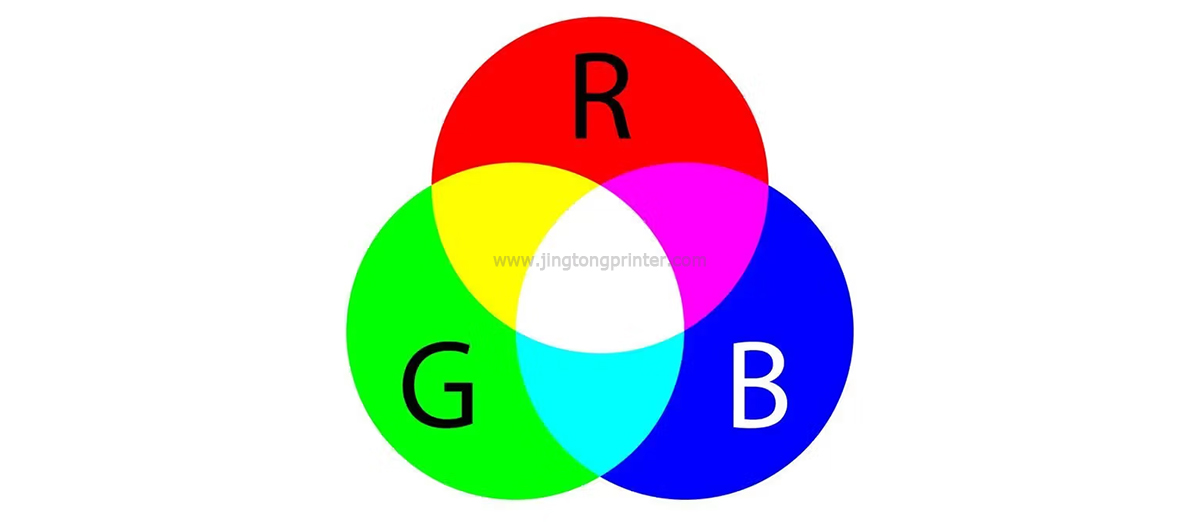
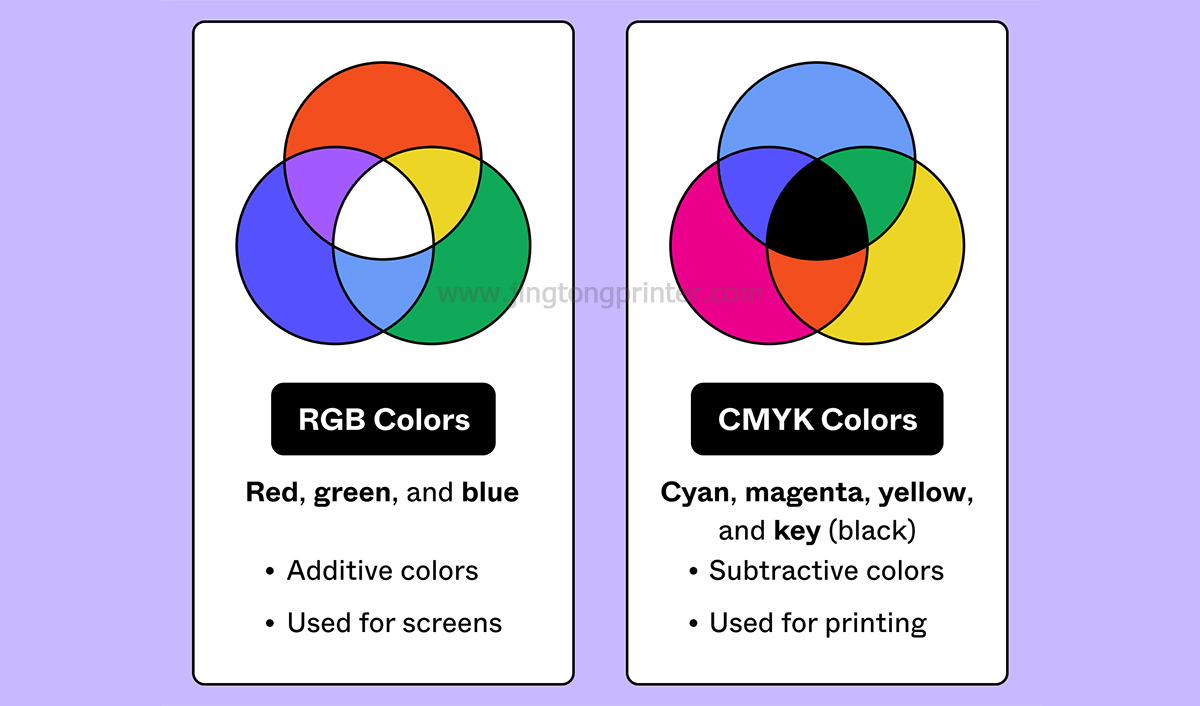
RGB stands for Red, Green, and Blue. It is an additive color model that creates colors by combining different amounts of red, green, and blue light.
When all three colors are combined at full intensity, they produce white. When no light is present, the result is black.
RGB is mainly used for electronic displays, including computer monitors, televisions, smartphones, and digital cameras. It supports a wide range of bright colors that are suitable for displaying digital images.
However, RGB is designed for light-emitting screens rather than conventional ink-based printing.
What Is the CMYK Color Model?
CMYK stands for Cyan, Magenta, Yellow, and Key (Black). It is a subtractive color model commonly used in commercial printing.
Instead of combining light, CMYK creates colors by applying different amounts of ink to a surface. These inks absorb certain wavelengths of light and reflect others, producing the colors we see.
CMYK is widely used in offset, flexographic, and many digital printing workflows. It provides a practical color framework for preparing packaging artwork for physical production.
Why Is RGB Not Suitable for Most Packaging Print Files?
RGB can display some bright and saturated colors that cannot be reproduced accurately with standard CMYK printing inks.
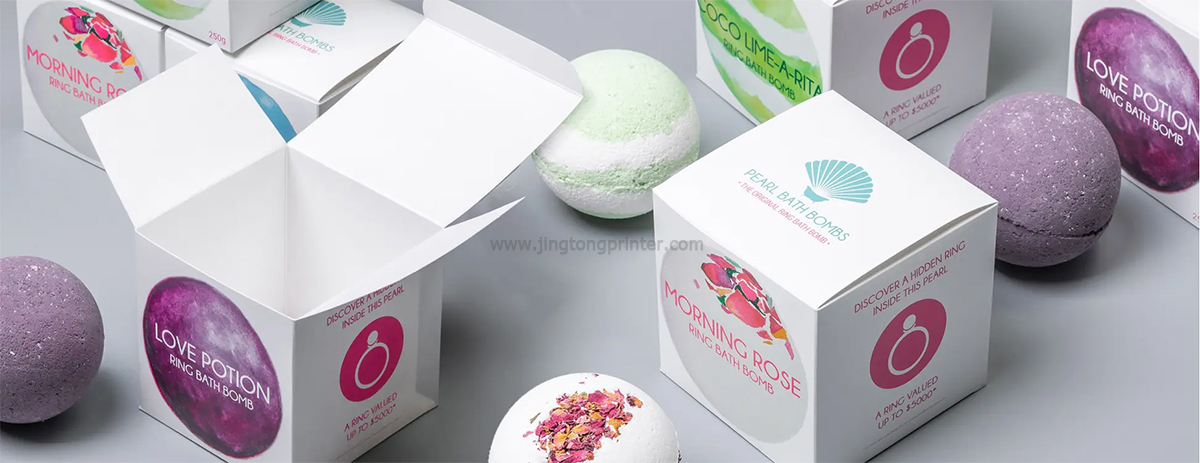
When RGB artwork is converted to CMYK, certain colors may become less vibrant or change in appearance. Bright greens, blues, and oranges are common examples of colors that may shift during conversion.
This does not mean RGB artwork cannot be printed. Printing software can convert RGB files into the appropriate output color space, but the final result may differ from the original screen appearance.
For packaging projects that require consistent brand colors, preparing artwork with the correct print color settings helps reduce unexpected color differences.
How to Convert RGB to CMYK for packaging printing
Most professional design software, including Adobe Illustrator and Photoshop, provides options for converting RGB artwork into CMYK.
Before exporting a print-ready file, designers should check the document color mode, embedded images, color profiles, and output settings.
It is also important to understand that CMYK values alone do not guarantee identical results across different printers. The final appearance depends on the printer, ink system, substrate, and color management settings.
For Digital packaging printing, an appropriate ICC profile helps translate colors more consistently between the artwork and the printing equipment.
Tips for Better Color Accuracy in Packaging Printing
Use the Correct Color Profile: Select an ICC profile that matches the printer, ink, and printing material whenever possible.
Check Important Brand Colors: If a specific brand color must be reproduced accurately, consider using a Pantone reference or an approved physical color sample. Actual matching depends on the printer's capabilities and available inks.
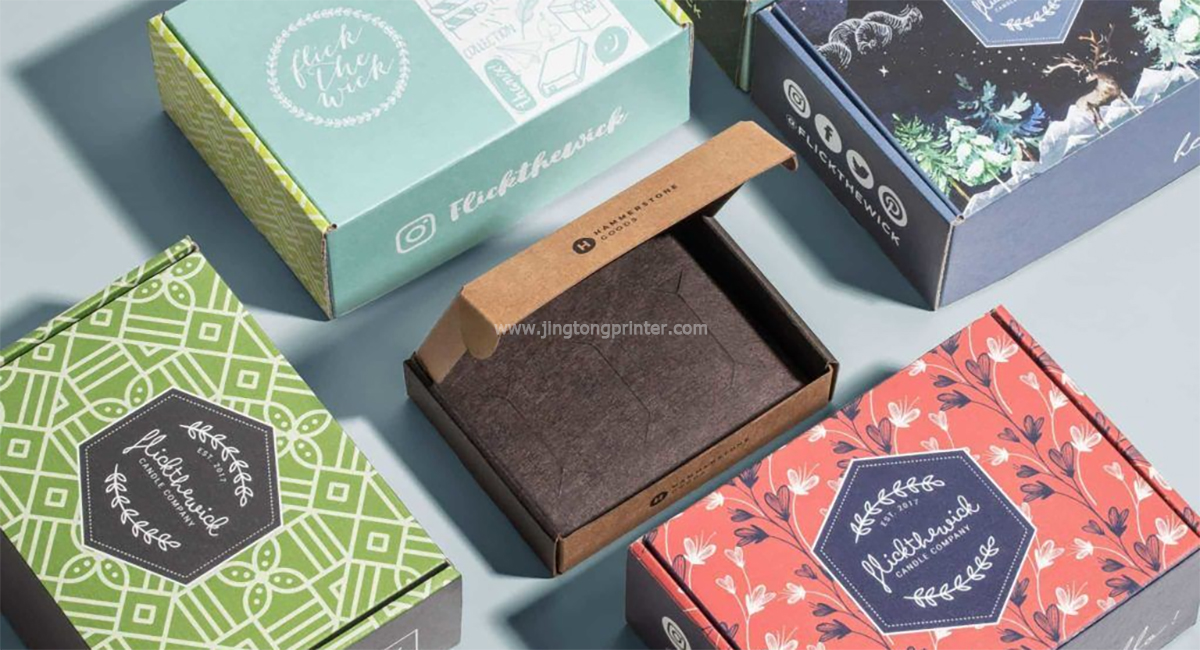
Consider the Printing Material: Different paper and corrugated board surfaces absorb and reflect ink differently, which can affect the final color appearance.
Conduct Test Prints: Printing a sample on the intended substrate allows you to evaluate color accuracy before starting full production.
Maintain Consistent Settings: Keep color management, RIP settings, and printing parameters consistent across repeat jobs to improve color stability.
RGB and CMYK in Digital Packaging Printing
Digital printing does not eliminate the differences between RGB and CMYK. Although digital printers receive artwork from digital files, the final output still depends on how the RIP software processes colors and how the printer reproduces them with its available inks.
For inkjet packaging systems, factors such as ink type, printhead configuration, ICC profiles, and substrate characteristics all influence color performance.
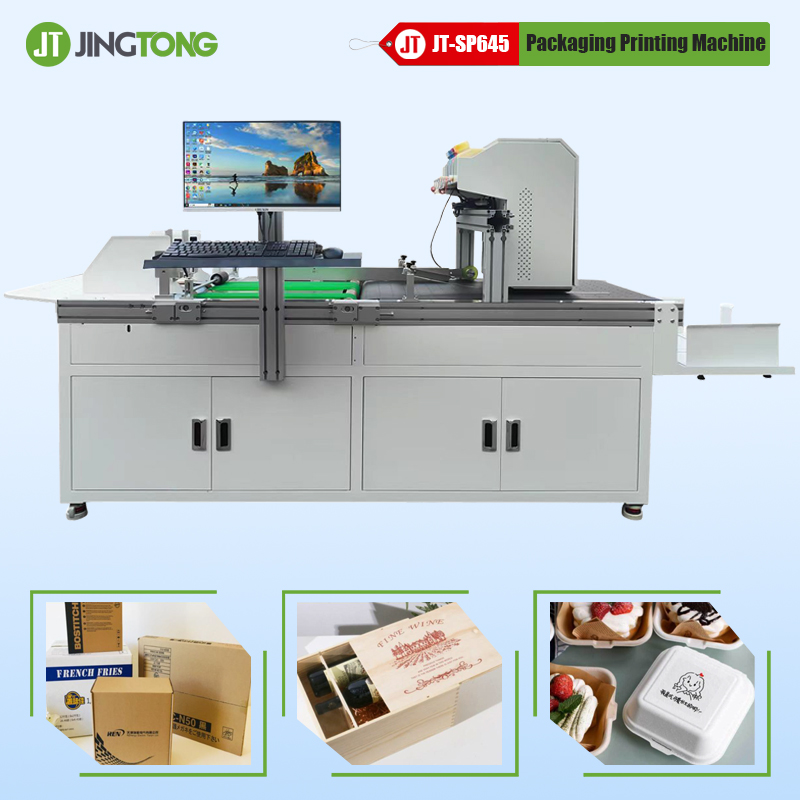
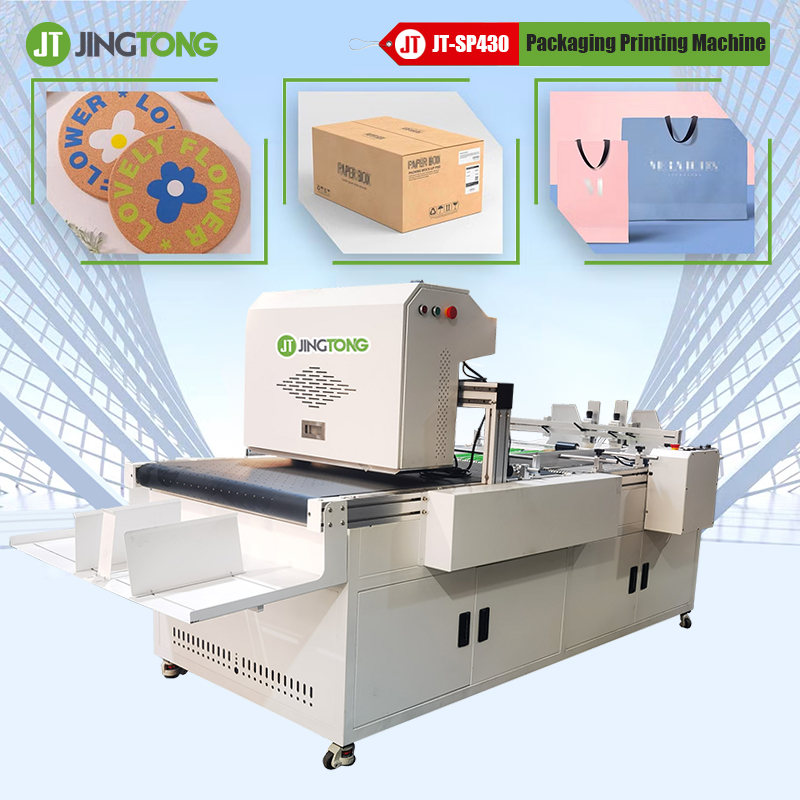
JINGTONG provides digital packaging printing solutions, including single-pass inkjet systems for Corrugated Packaging applications. Proper artwork preparation, color management, and material testing are important for achieving consistent printed results.
Final Thoughts
RGB and CMYK serve different purposes. RGB is designed for digital displays, while CMYK is widely used for physical printing.
For packaging manufacturers and designers, understanding their differences helps prevent unexpected color changes and improves communication between design and production teams.
By using suitable color profiles, checking artwork settings, and conducting test prints, businesses can achieve more reliable color reproduction in digital packaging printing.
get latest company news
Scan To Wechat