


register for newsletter
get latest company news
+86 13113657186



Preparing packaging artwork correctly is essential for achieving accurate and consistent printing results. Before production begins, designers and packaging manufacturers need to check file formats, image resolution, color settings, dielines, and other technical details.
Proper artwork preparation helps reduce printing errors and ensures that the final packaging matches the intended design.
Set Up Packaging Dielines Correctly
A dieline is a template that shows the cutting, folding, and creasing areas of a packaging design. It helps ensure that printed graphics are correctly positioned when the packaging is assembled.
When preparing artwork, keep cutting lines, folding lines, and glue areas clearly identified. Important text, logos, and images should stay within the safe area to avoid being cut off or folded incorrectly.
Choose the Right File Format
Packaging artwork should be supplied in a format that preserves graphic quality and supports the printing workflow.
Common formats include:
● AI: Suitable for editable vector artwork.
● PDF: Widely used for sharing print-ready packaging files.
● EPS: Supports vector graphics and scalable design elements.
● TIFF and PSD: Useful for high-resolution images and raster graphics.
Fonts should be embedded or converted to outlines where appropriate, and linked images should be included or properly embedded.
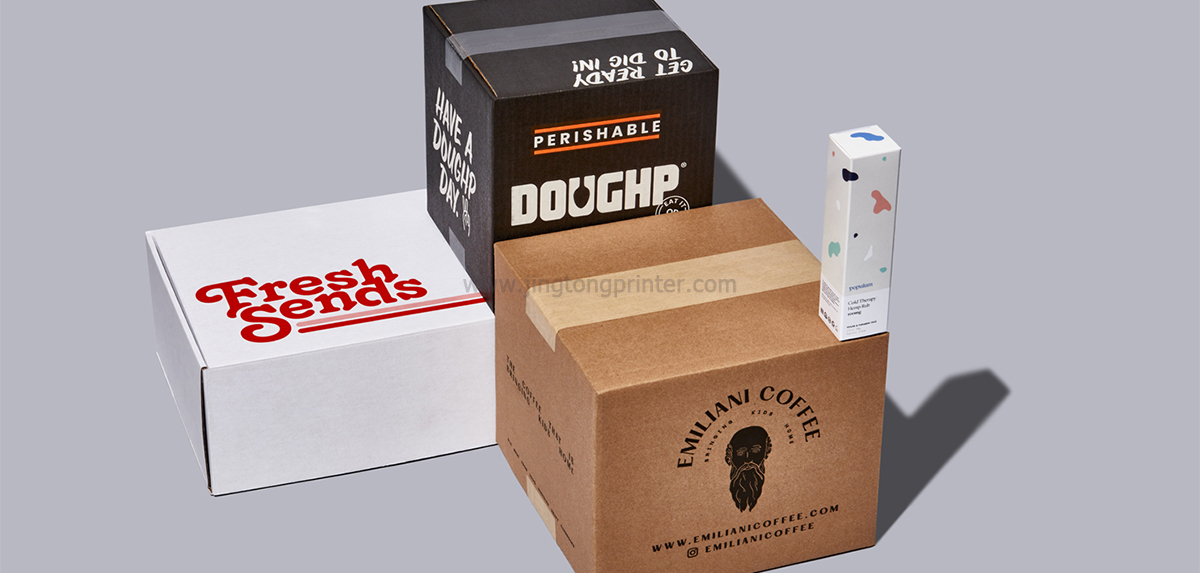
Check Image Resolution
Image resolution directly affects printed image clarity.
For raster images, 300 DPI is a common guideline for packaging artwork at final print size. However, the appropriate resolution also depends on image dimensions, viewing distance, and printing requirements.
Logos, illustrations, and other scalable graphics are generally better prepared as vector files to maintain sharp edges at different sizes.
Manage Colors for Printing
Color settings are important because colors displayed on a monitor may differ from the final printed result.
CMYK is commonly used in packaging production, while RGB artwork can also be processed by digital printing workflows through color conversion.
For digital packaging printers, RIP software and ICC color profiles help manage color output according to the printer, ink, and substrate combination.
Special attention is needed when printing on kraft paper or uncoated corrugated board, as the material's background color and absorption can affect the final appearance.
Include Bleed and Safe Areas
Bleed is the extra artwork extending beyond the final cutting edge. It helps prevent unwanted white edges caused by slight variations during cutting.
The required bleed size depends on the packaging structure and production specifications. A common guideline is 3 mm, but the printer's actual requirements should always take priority.
Keep important text, logos, and barcodes away from cutting and folding areas to protect their readability.
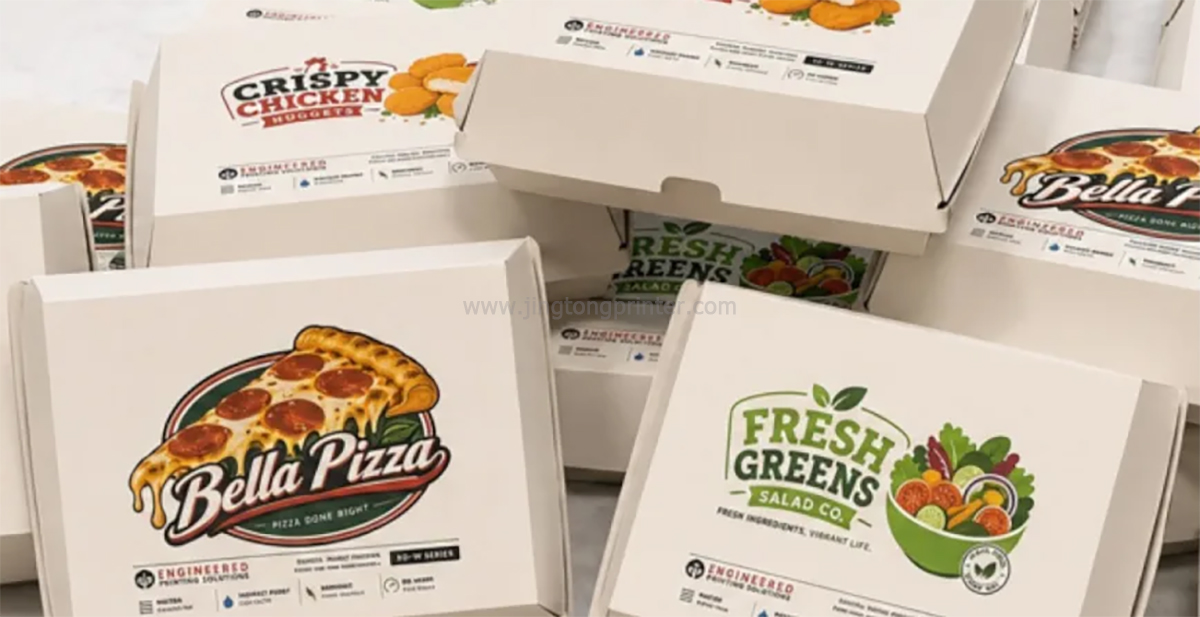
Check Fonts, Barcodes, and Artwork Details
Before submitting the final file, review all design elements carefully.
Make sure fonts display correctly, spelling is accurate, and logos and images are positioned properly. Barcodes should have sufficient contrast and clear space around them to ensure reliable scanning.
Overprinting and transparency settings should also be checked, as incorrect settings may cause unexpected color or graphic results.
Prepare Artwork for Digital packaging printing
Digital printing offers flexibility for customized packaging, short-run production, and frequently changing designs.
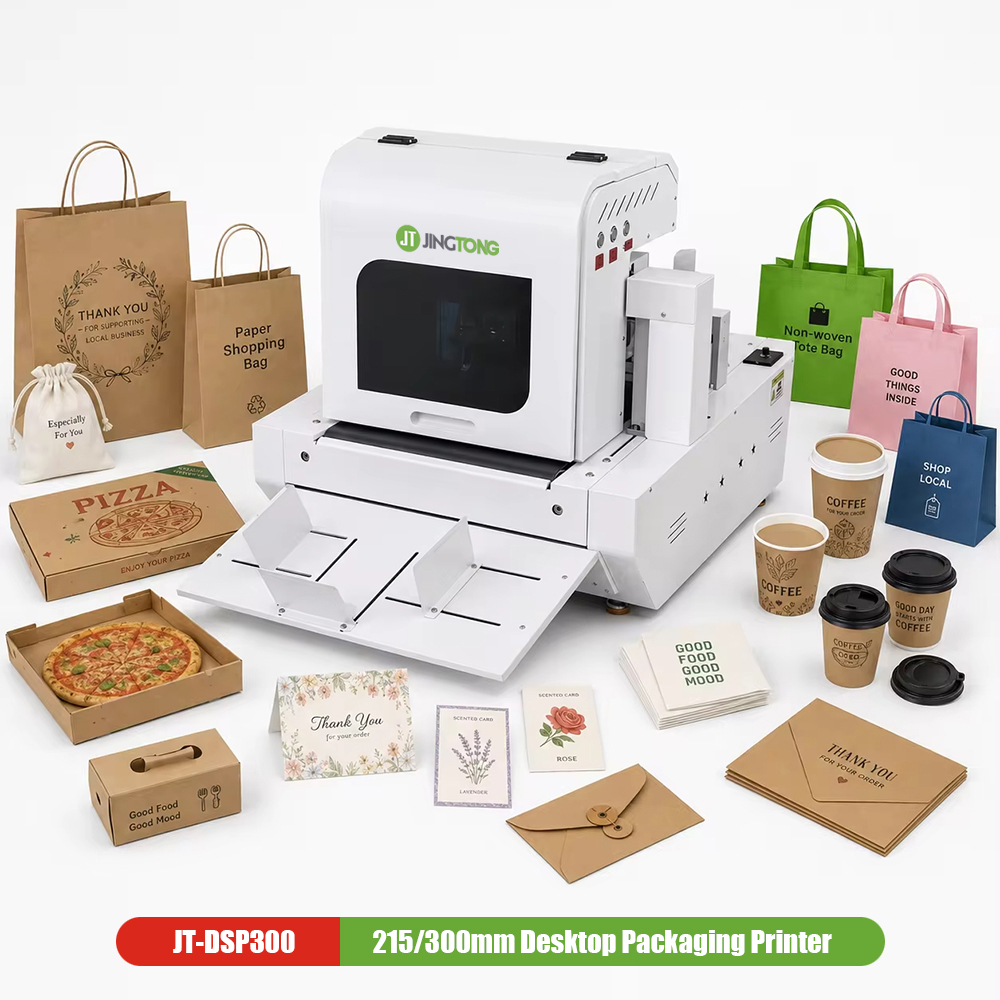
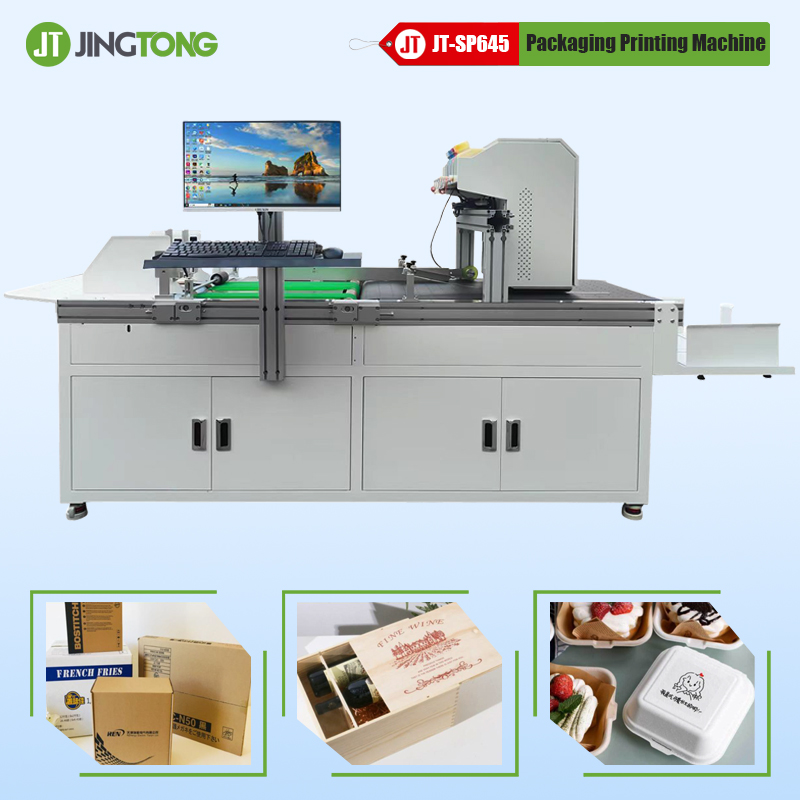
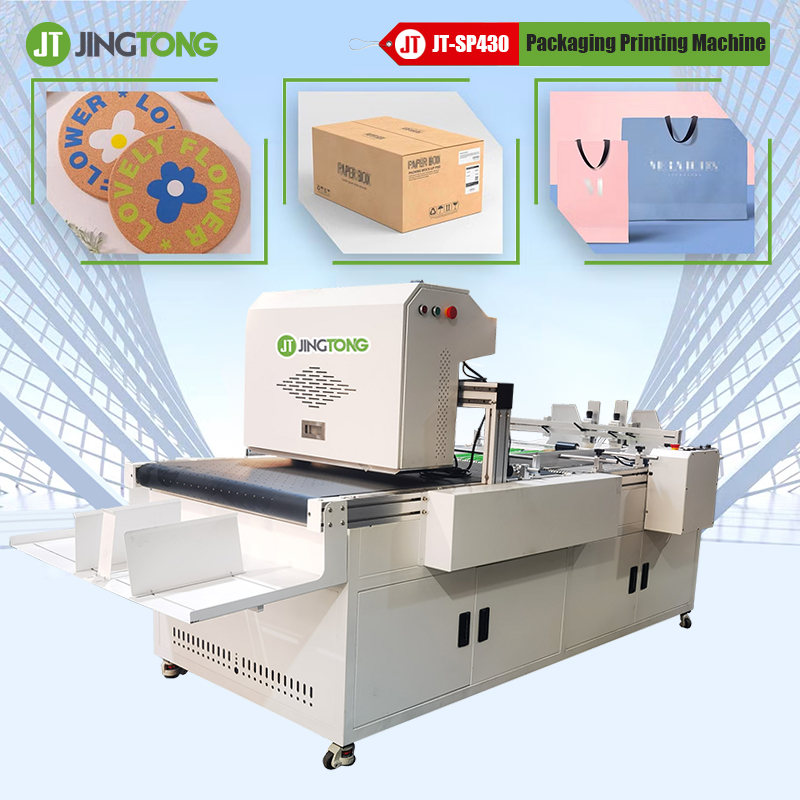
For Corrugated Packaging, digital inkjet printers can print graphics and product information directly onto compatible paper-based materials. Single-pass systems are also used in industrial production where substrates move continuously beneath fixed printheads.
Before printing, artwork should be checked against the actual printer specifications, including maximum print dimensions, ink configuration, substrate compatibility, and RIP settings.
A physical print sample is recommended when color accuracy, material appearance, or fine graphic details are particularly important.
Final Thoughts
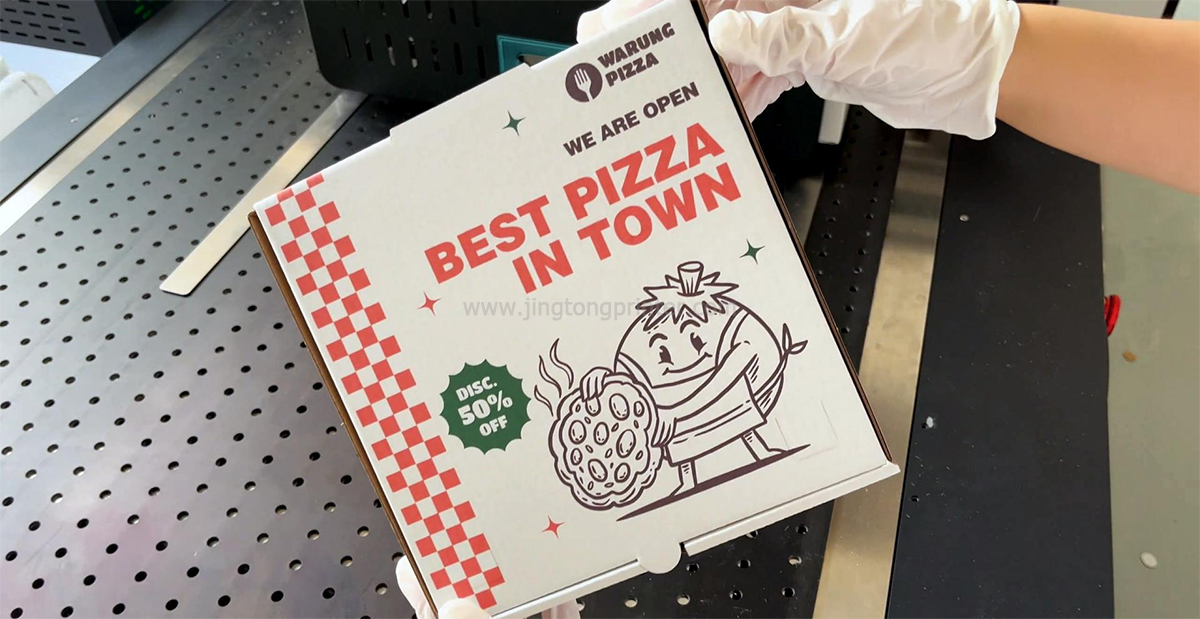
Good Packaging Artwork Preparation helps improve printing accuracy and reduce production problems. Dielines, file formats, resolution, color management, and bleed settings all play important roles in the final result.
For Digital packaging printing, properly prepared files combined with suitable equipment, ink, and materials help manufacturers achieve more consistent packaging quality.
get latest company news
Scan To Wechat