





register for newsletter
get latest company news
+86 13113657186



In Direct-to-Film (DTF) printing, print resolution and pass modes are two important settings that influence the final image quality and production speed. They determine how ink droplets are distributed across the film, how much detail can be reproduced, and how efficiently a printer completes each job.
Understanding these settings helps operators balance image quality with production requirements, especially when printing detailed graphics, text, gradients, and large-format designs.
What Is Print Resolution in dtf printing?
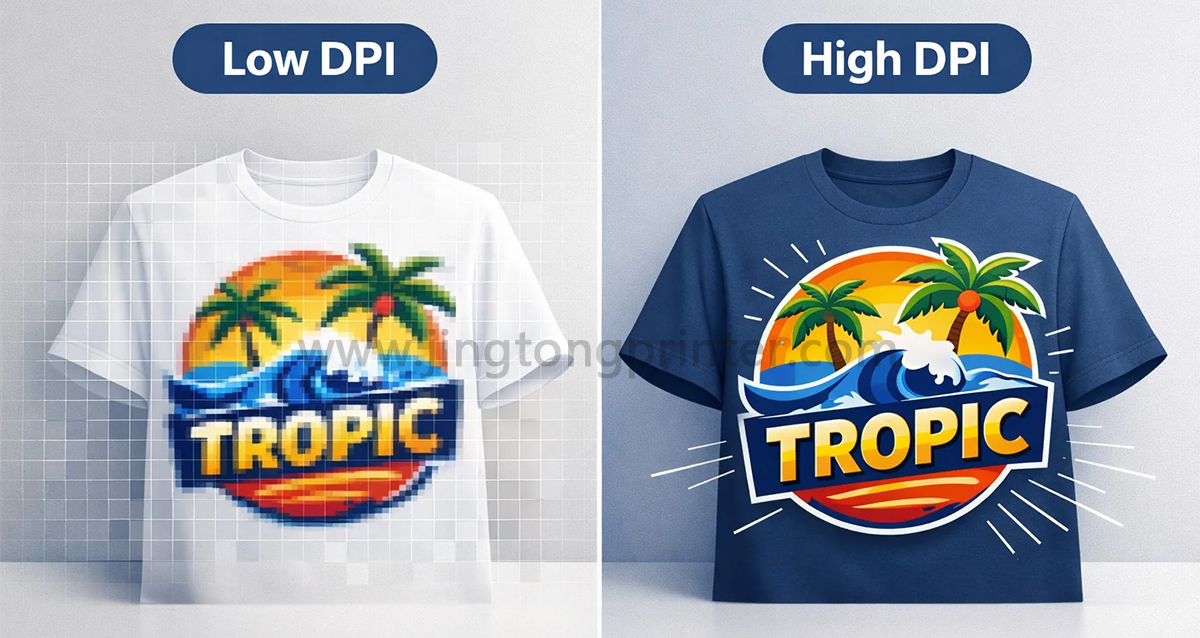
Print resolution describes the level of detail a printer can reproduce, commonly expressed in dots per inch (DPI). A higher resolution generally allows the printer to produce finer image details and smoother transitions, provided that the artwork, printhead, ink system, and mechanical precision support the setting.
In DTF printing, resolution affects several aspects of the printed image:
● Fine details: Higher effective resolution can improve the reproduction of small text, thin lines, and intricate patterns.
● Color transitions: Appropriate resolution helps create smoother gradients and reduce visible transitions between color areas.
● Edge definition: Better dot placement can produce cleaner outlines and more precise graphic details.
● Ink distribution: Resolution settings influence how ink droplets are arranged, affecting coverage and overall appearance.
However, a higher DPI value does not automatically guarantee better printing results. The actual output also depends on printhead performance, ink droplet size, media characteristics, calibration, and the quality of the original image.
What Are Pass Modes in DTF Printing?
A pass refers to one printing movement or coverage cycle across a particular area of the film. Pass modes determine how many printing passes are used to complete the image.
Common configurations include 4-pass, 6-pass, 8-pass, and higher-pass modes, although available settings vary by printer and control system.
Generally, fewer passes allow the printer to complete a job faster because the printhead makes fewer coverage movements. However, higher-pass modes distribute printing work across more movements, which can improve ink coverage and reduce visible banding when the printer is properly calibrated.
The main differences include:
● Low-pass modes: Prioritize printing speed and are often suitable for simpler graphics or production jobs where throughput is important.
● Medium-pass modes: Balance speed, image detail, and ink coverage for general DTF applications.
● High-pass modes: Provide more opportunities for controlled ink placement and are often preferred for fine details, gradients, and demanding graphic designs.
The relationship between pass count and quality is not unlimited. Increasing the number of passes cannot correct mechanical problems, incorrect alignment, or poor ink delivery.
How Resolution and Pass Modes Work Together
Print resolution and pass modes affect different aspects of the printing process, but they must be considered together.
Resolution determines the intended dot density, while pass mode influences how the printer distributes ink across the printing area. A high-resolution setting combined with an appropriate pass mode can improve fine details and tonal transitions. However, it may also increase printing time and ink consumption.
For example, a design containing small text, fine outlines, and smooth gradients may benefit from a higher-resolution setting and a higher-pass mode. In contrast, larger graphics with simple color areas may not require the same level of detail.
The best combination depends on the artwork, film, printhead configuration, and required production speed. Operators should evaluate actual printed samples rather than relying only on the numerical settings displayed in the RIP software.
How to Choose the Right Settings for Different Applications
Different DTF jobs have different quality and productivity requirements.
For simple logos and large graphics, a moderate resolution and lower-pass mode may provide sufficient image quality while maintaining efficient production.
For detailed illustrations, small lettering, and complex patterns, higher resolution and more passes may help reproduce finer details and improve visual consistency.
For gradient-heavy designs and photographic images, the combination should be tested carefully. Smooth tonal transitions depend not only on resolution and pass count but also on color management, ink limits, and the printer's ability to place droplets consistently.
For continuous roll-to-roll production, the priority may be maintaining stable quality at a consistent production speed. A practical setting should support reliable ink coverage without creating unnecessary printing delays.
Practical Tips for Optimizing DTF print quality
Before selecting a resolution and pass mode for regular production, consider the following:
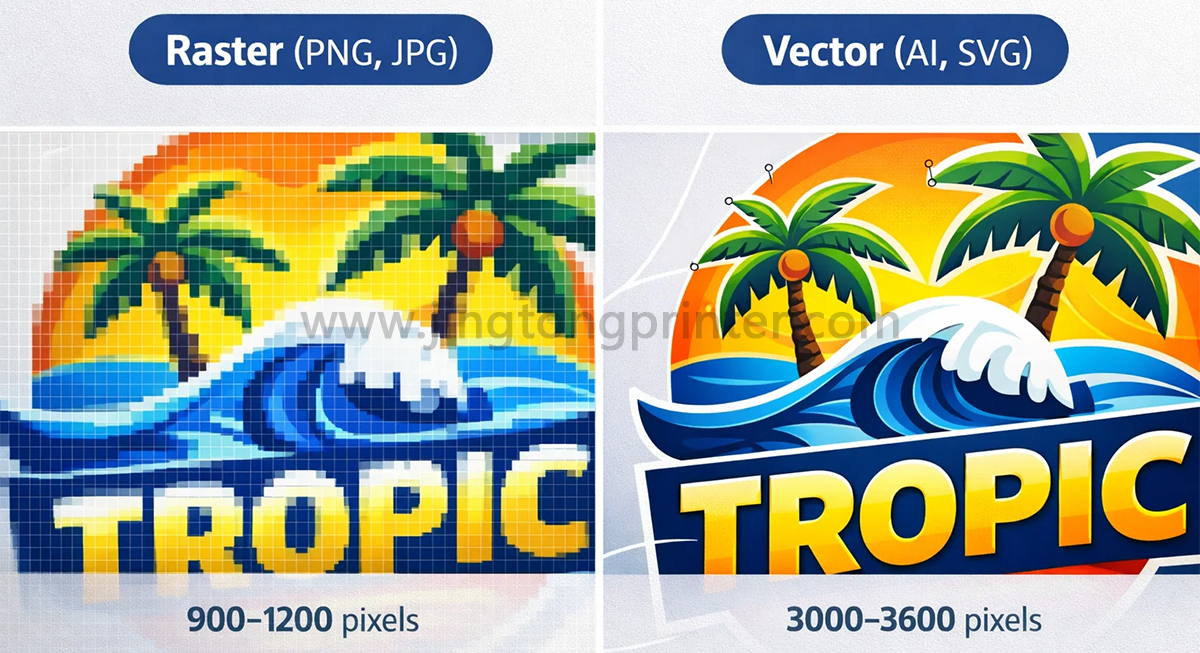
1. Check the original artwork. Low-resolution images cannot gain genuine detail simply by increasing printer DPI.
2. Test multiple pass modes. Compare image sharpness, banding, color coverage, and printing time using the same artwork.
3. Verify printhead condition. Missing nozzles, inconsistent ink delivery, or incorrect alignment can affect results regardless of the selected settings.
4. Maintain consistent film and ink conditions. Changes in film coating, ink properties, or environmental conditions may influence print performance.
5. Evaluate the finished transfer. Inspect both the printed film and the transferred design, since the heat-press process can also affect the final appearance.
Conclusion
Print resolution and pass modes play important roles in determining DTF printing quality and production efficiency. Higher resolution can improve the reproduction of fine details, while additional passes can support more controlled ink coverage and reduce certain printing artifacts.
However, the highest available settings are not always the most practical choice. The goal is to find a suitable combination that delivers consistent image quality at an acceptable production speed. Through sample testing, proper calibration, and regular maintenance, operators can establish reliable printing settings for different DTF applications.
get latest company news
Scan To Wechat