


register for newsletter
get latest company news
+86 13113657186



High-quality packaging printing starts long before the material reaches the printer. Proper prepress preparation helps prevent file errors, color inconsistencies, image defects, and unnecessary reprints.
For Digital packaging printing, especially on corrugated boxes and paper-based materials, artwork preparation must consider not only the design itself but also the printer, ink, substrate, and production requirements.
Here are 10 practical prepress tips to help improve packaging print quality and production efficiency.
1. Prepare Print-Ready Artwork Files
Start by choosing a suitable file format, image resolution, and color settings. PDF is commonly used for print-ready artwork, while TIFF and other image formats may be suitable for specific workflows.
Resolution should match the final print size and viewing distance. While 300 DPI is a common reference for detailed commercial graphics, large packaging graphics may not always require the same resolution.
Before exporting, confirm the artwork dimensions, orientation, embedded images, and other requirements with your printing provider.
2. Set Bleed and Cutting Marks Correctly
Bleed helps prevent unwanted white edges when printed materials are trimmed. Crop marks and registration marks can also help guide cutting and finishing operations.
For packaging, however, bleed requirements depend on the production method. Direct printing on corrugated boards may use different file preparation rules from printed sheets that are subsequently die-cut and folded.
Always confirm the required bleed, cutting lines, safe areas, and registration settings before production.
3. Check Fonts and Text
Missing or substituted fonts can change the appearance of packaging artwork. Embed fonts in the PDF or convert text to outlines when required by the printing workflow.
Also check small text, line thickness, spacing, and contrast. Fine details may become less visible on textured or absorbent corrugated surfaces.
Pay particular attention to product information, barcodes, logos, and other essential text elements.

4. Optimize Images and Graphics
Use clear, high-quality images and vector graphics whenever possible. Check image resolution at the actual output size rather than relying only on the original file specifications.
Avoid excessive enlargement of low-resolution images, as this can result in blurred details and rough edges.
For Corrugated Packaging, consider the surface texture and print characteristics of the board when preparing fine lines, gradients, and detailed graphics.
5. Proofread and Preflight Every File
Before sending artwork to production, review the entire file for spelling mistakes, missing elements, incorrect dimensions, and layout problems.
A preflight check can help identify technical issues such as missing fonts, low-resolution images, unsupported color settings, and incorrect PDF specifications.
For packaging projects, also verify dielines, folding areas, barcodes, product information, and artwork positioning. Correcting these problems before printing can reduce material waste and avoid costly reprints.
6. Calibrate Monitors and Printing Equipment
The colors displayed on a computer monitor may differ from the final printed result. Monitor calibration helps designers evaluate artwork more consistently, while printer calibration and maintenance support stable output.
For digital packaging production, regular checks of printhead condition, ink delivery, and printing parameters are also important.
Remember that monitor calibration alone cannot guarantee accurate printed colors. The complete workflow must be considered.
7. Use the Right Color Management Settings
Color management is essential when packaging artwork needs to match brand colors across different production batches.
Select an ICC profile that corresponds to the printer, ink, and substrate being used. The RIP software and printing workflow should also be configured appropriately.
CMYK is widely used in packaging artwork, while spot colors such as Pantone may be required for specific brand color references. However, the final reproduction depends on the equipment and available color management capabilities.
For important brand colors, conduct a print test and compare the result with the approved reference.
8. Communicate with Your Printing Provider
Different printing technologies and materials have different technical requirements. A file prepared for offset or flexographic printing may need adjustments before it can be used for direct digital inkjet printing.
Discuss the substrate, print dimensions, color expectations, artwork format, and finishing requirements before production.
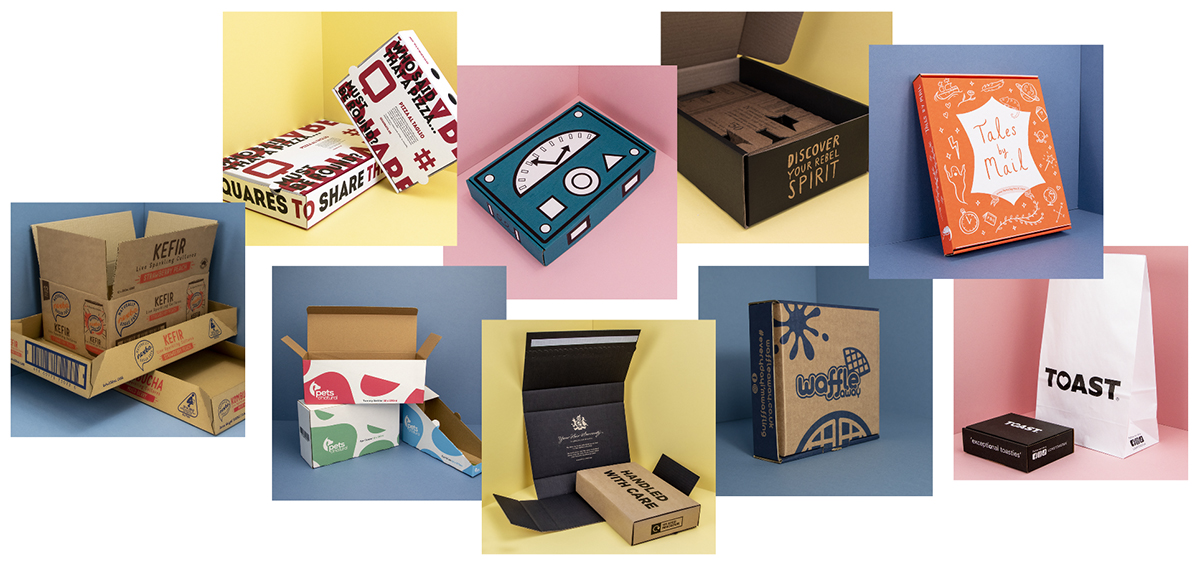
For Corrugated Box Printing, it is especially useful to confirm the printable area, board characteristics, and whether the artwork needs to account for folding or die-cutting.
9. Make Test Prints Before Mass Production
A test print allows you to evaluate how the artwork performs on the actual material.
Check color appearance, image sharpness, text readability, registration, and overall layout. If necessary, adjust the artwork, ICC profile, or printing parameters before proceeding.
Testing on the intended substrate is particularly important because different paper and corrugated board surfaces can absorb ink differently and produce different visual results.
This step is valuable for both new packaging designs and repeat production orders.
10. Keep Up with digital printing Developments
Digital printing technology and prepress software continue to evolve. New RIP functions, color management tools, and workflow improvements can help packaging manufacturers handle changing artwork and production requirements.
For businesses producing customized packaging, short runs, or multiple designs, digital inkjet printing offers flexibility without the need for conventional printing plates.
Industrial single-pass inkjet systems are also used for high-throughput corrugated packaging production. Their suitability depends on the required output, material, ink system, and production setup.
Improve Packaging Production with Proper Prepress Preparation
Effective prepress preparation is not just about checking artwork. It connects design, materials, color management, printing equipment, and finishing into one production workflow.
For corrugated boxes, shipping cartons, and paper-based packaging, careful file preparation and test printing can help reduce errors and achieve more consistent results.
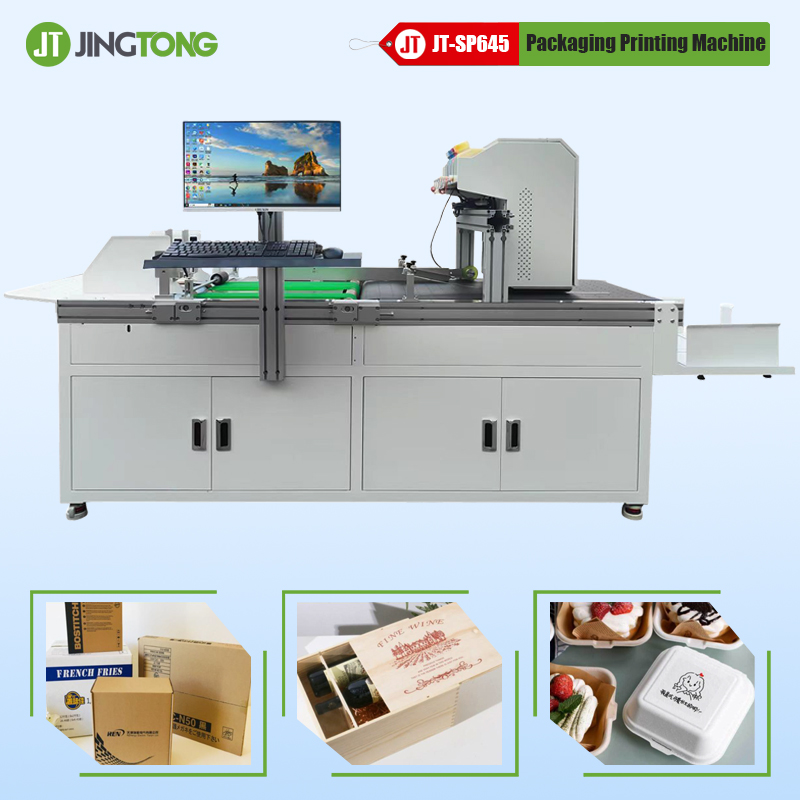
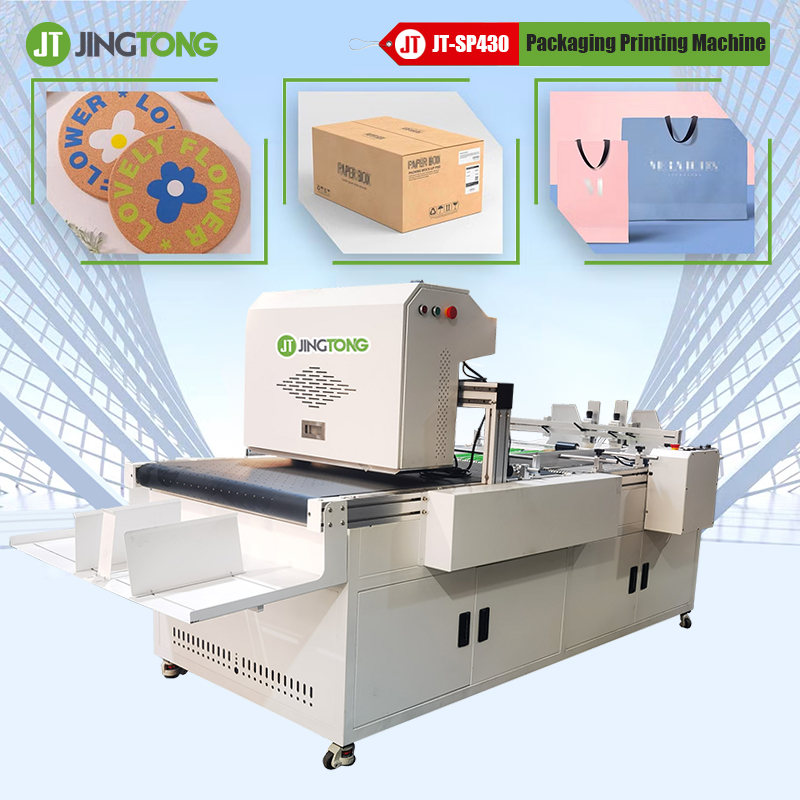
JINGTONG provides digital packaging printing solutions, including single-pass inkjet systems for corrugated packaging applications. Matching the printing system with the correct artwork, substrate, and production requirements is an important step toward reliable packaging output.
get latest company news
Scan To Wechat