





register for newsletter
get latest company news
+86 13113657186



DTF (Direct-to-Film) printing has become a popular solution for custom apparel production. It allows businesses to print colorful designs onto PET film and transfer them onto different fabrics, including cotton, polyester, and blended textiles. From personalized T-shirts and hoodies to sportswear, uniforms, and promotional bags, DTF technology supports both small-batch customization and large-scale garment production.
An important part of this process is RIP software. RIP stands for Raster Image Processor. It converts digital artwork into printable data and controls important printing parameters such as color output, white ink layers, ink density, and image positioning. Understanding how RIP software works helps printing businesses improve image quality, reduce material waste, and maintain production efficiency.
What Is DTF RIP software and Why Is It Important?
DTF RIP software is a specialized program that processes artwork before sending it to a dtf printer. Common design files, such as PNG and TIFF, are converted into instructions that the printer can recognize.
Unlike standard printer drivers, DTF RIP software provides additional functions for textile transfer printing. It manages CMYK color channels, generates white ink underbases, adjusts ink output, and prepares designs for printing on PET film.
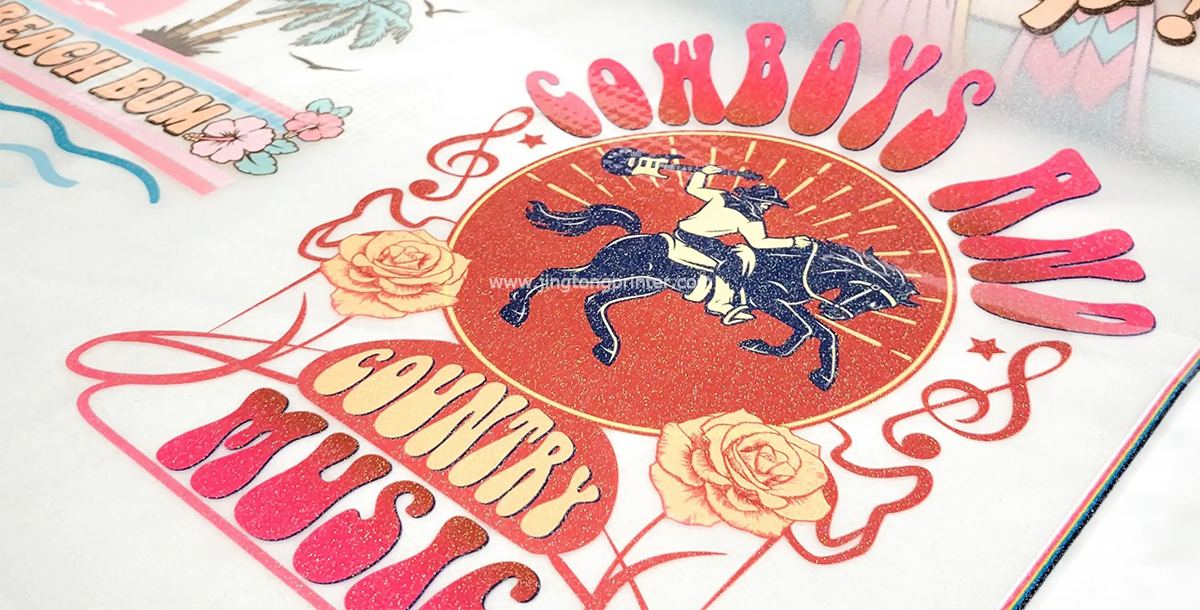
White ink management is particularly important when printing designs for dark-colored garments. For example, when producing a colorful logo for a black T-shirt, the RIP software generates a white ink layer beneath the CMYK image. This provides an opaque base that helps printed colors remain bright after transfer.
RIP software also helps control color accuracy, ink consumption, print resolution, and film layout. These functions are useful for businesses producing branded clothing, team uniforms, promotional apparel, and personalized garments.
How Does DTF RIP Software Work?
The DTF RIP workflow begins when artwork is imported into the software. The program processes the image, separates color channels, generates the white ink layer, and converts the design into printable data.
First, the software analyzes the artwork's dimensions, resolution, and transparency. Transparent PNG files are commonly used for DTF designs because they allow the software to identify the areas that require printing.
Next, color management converts digital colors into printable CMYK values. Since computer screens use RGB while DTF printers typically use CMYK and White Ink, the colors displayed on a monitor may differ from the final printed result. ICC color profiles help improve color consistency based on the printer, ink, and PET film combination.
The software then generates the white ink underbase for designs that require printing on dark or colored fabrics. White ink choke settings can slightly reduce the size of the white layer inside the color boundary, helping prevent unwanted white outlines around the design.
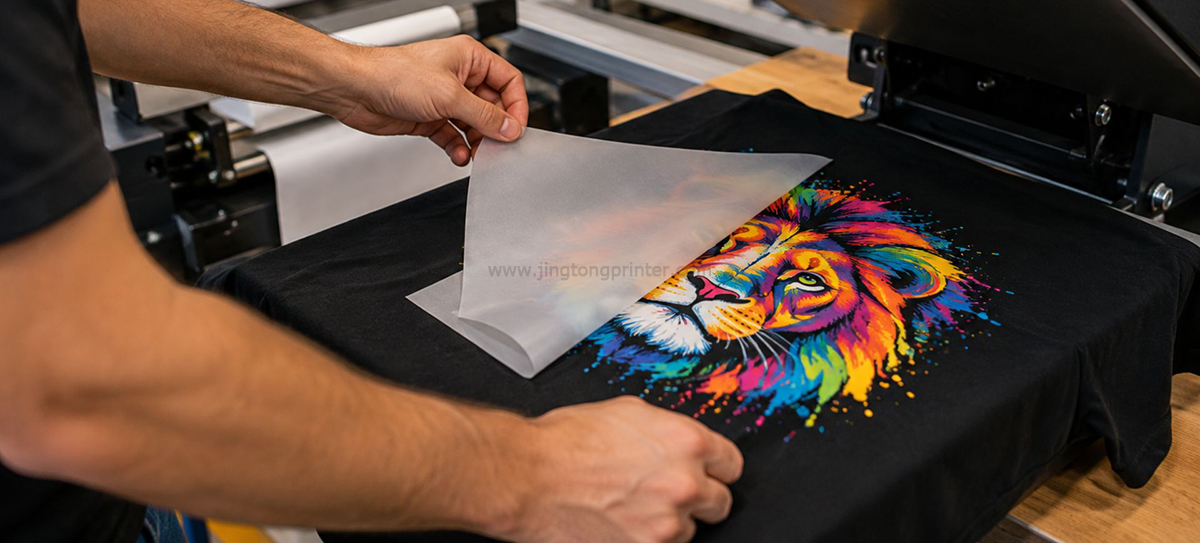
Finally, the processed artwork is converted into raster data and sent to the printer. The printed PET film continues through adhesive powder application, curing, and heat pressing to complete the transfer process.
Important DTF RIP Software Settings
Correct RIP settings are essential for balancing print quality, production speed, and material consumption.
1. Print Resolution: Resolution determines the level of image detail. Higher resolutions can improve the reproduction of small text, fine lines, and detailed graphics, but may increase printing time. The appropriate setting depends on the printer's capabilities and the required image quality.
2. Ink Density: Ink density controls how much ink is deposited onto the film. Too little ink may produce weak colors, while excessive ink can cause pooling and unstable powder application. The correct setting depends on the ink, film, and printing mode.
3. White Ink Density: White ink provides an opaque base for designs transferred onto dark garments. Insufficient coverage may make colors appear dull, while excessive white ink can increase material consumption and affect the surface feel.
4. White Choke: This setting adjusts the white underbase relative to the CMYK image. Incorrect adjustment may create visible white edges or cause color areas to extend beyond the white layer.
5. ICC Color Profile: An appropriate ICC profile helps reproduce colors more accurately. Profiles should match the printer, ink, and film combination to avoid unwanted color shifts.
6. Nesting and Layout: Nesting arranges multiple designs efficiently on PET film. This is especially useful when producing different T-shirt logos, sleeve graphics, chest prints, and personalized garment designs in the same batch.
For consistent results, businesses should test their settings using the actual printing materials and save successful configurations as presets for repeat production.
Common RIP Software Used in dtf printing
Several RIP software solutions are used in the digital textile printing industry. Their functions, supported printer models, and licensing conditions vary.
CADlink Digital Factory provides professional color management, white ink control, layout tools, and production workflow functions. It is used in commercial printing environments where consistent output and efficient job preparation are important.
Maintop is used in various digital printing applications and offers color processing, white ink management, and print layout functions. Its compatibility depends on the specific software version and printer configuration.
RIIN is another RIP software option used in DTF printing systems. Depending on the version and hardware setup, it can support CMYK and white ink processing, color adjustment, and print job management.
AcroRIP is also used in certain digital printing configurations, including some DTF applications. Users should confirm printer compatibility, operating system requirements, and available features before selecting a version.
Not every RIP software package supports every DTF printer. Always check compatibility with the printer manufacturer or supplier before purchasing or installing software.
How to Choose the Right DTF RIP Software
Choosing RIP software requires more than comparing the number of available features. The software must work reliably with the printer and match the actual production requirements.
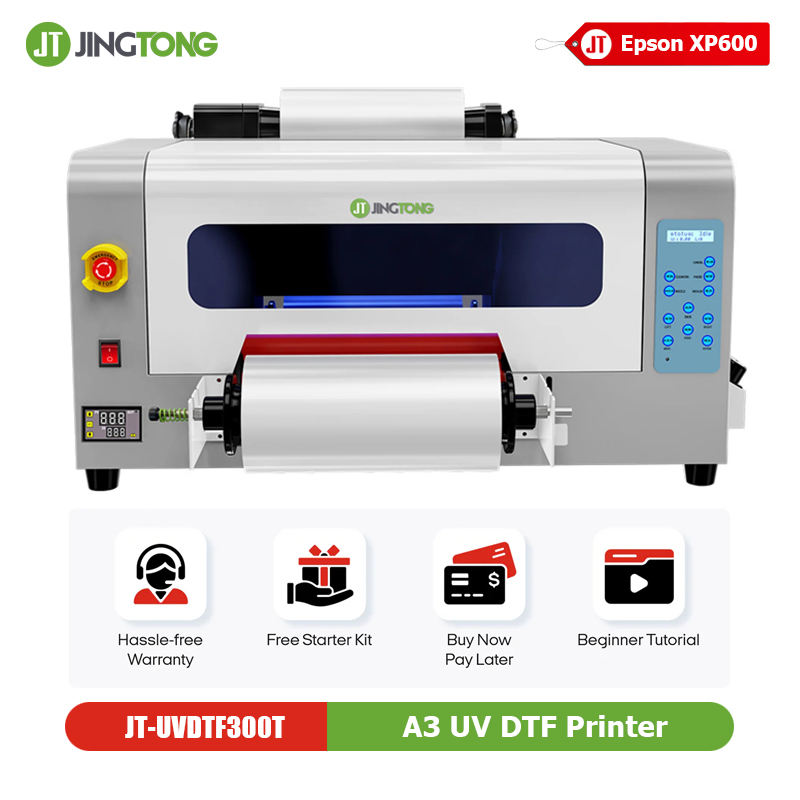
For small custom printing businesses using a3 dtf printers, basic functions such as CMYK color management, white ink generation, and image layout may be sufficient. These systems are suitable for personalized T-shirts, small garment logos, tote bags, and short-run orders.
For growing printing businesses using 24-inch roll-to-roll DTF printers, more advanced functions such as nesting, job management, and efficient workflow processing can help improve production efficiency. When combined with automatic powder shakers and curing ovens, these printers support continuous apparel transfer production.
Before selecting software, check printer and printhead compatibility, white ink control, ICC profile support, operating system requirements, and technical assistance. A software package with many features is not necessarily the best choice if it cannot work properly with the printer's control system.
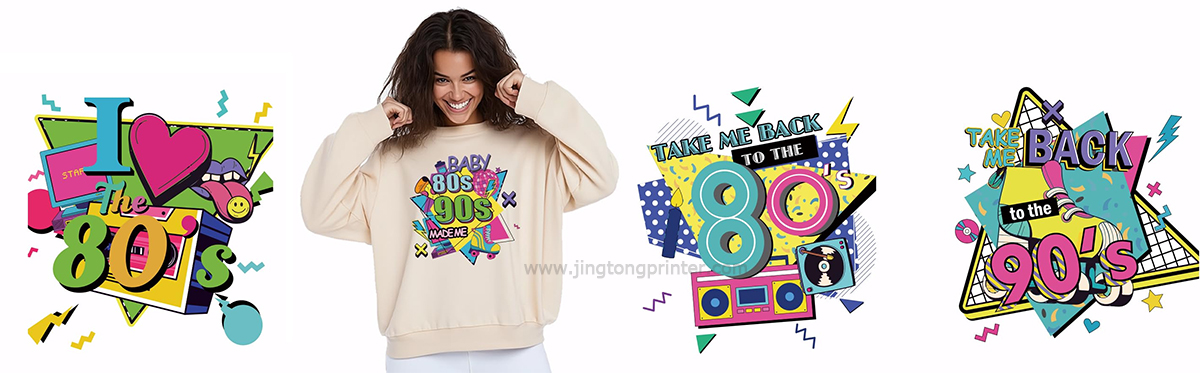
The Relationship Between RIP Software, Ink and PET Film
RIP settings cannot be considered separately from printing materials. The printer, printhead, dtf ink, and PET film all influence the final color output and transfer quality.
For example, changing the ink formulation may affect color reproduction and ink density. Different PET film coatings can also change ink absorption and the appearance of the printed image.
When changing major consumables, existing ICC profiles and print settings should be evaluated again. A profile developed for one printer, ink, and film combination may not deliver identical results with another setup.
For commercial applications such as custom apparel, promotional garments, and sportswear, maintaining consistent consumables and validated RIP presets helps reduce color variation between production batches.
Conclusion
DTF RIP software is an essential part of a reliable DTF printing workflow. It processes artwork, manages CMYK and white ink, adjusts color output, and prepares designs for printing on PET film.
Choosing suitable software requires checking printer compatibility, white ink control, ICC color management, and production requirements. Equally important is maintaining consistency between the printer, ink, PET film, and RIP settings.
Whether producing custom T-shirts, branded hoodies, sportswear, promotional bags, or large batches of personalized garments, the right RIP software helps improve print consistency, optimize material usage, and support efficient DTF production.
get latest company news
Scan To Wechat