











register for newsletter
get latest company news
+86 13113657186



dtf printing involves several production stages, from artwork preparation and film printing to powder application, curing, and heat pressing. Even when the printed film looks correct, defects can still appear after the design is transferred onto fabric.
Ghosting, edge lifting, partial peeling, and incomplete transfers are common problems that affect the appearance and durability of finished garments. These defects may be related to heat-press settings, transfer film handling, adhesive activation, fabric conditions, or inconsistencies during the printing and curing process.
Understanding the symptoms and their possible causes helps operators identify problems more accurately and improve transfer consistency.
1. Ghosting: Why Does a Double Image Appear?
Ghosting occurs when a faint secondary image or shadow appears around the original design after heat pressing. It is particularly noticeable around text, logos, sharp outlines, and areas with strong color contrast.
One common cause is movement between the transfer film and fabric during pressing or peeling. If the film shifts while the adhesive is still hot or partially bonded, parts of the design may make unintended contact with another area of the fabric.
Other possible causes include:
● The transfer film moves during pressing or removal.
● The garment shifts when the heat-press platen opens.
● The film is lifted or repositioned before the transfer is stable.
● Excessive pressure or unsuitable handling causes the film to move.
● The adhesive remains tacky during peeling.
How to prevent it:
Position the garment and film carefully before pressing. Use suitable heat-resistant tape if necessary to prevent movement. Open the press without disturbing the garment, and follow the recommended peeling temperature for the specific film. Avoid sliding or repositioning the film while it is in contact with the fabric.
2. Edge Lifting: Why Do Transfer Edges Come Loose?
Edge lifting occurs when the outer areas of a transferred design begin to separate from the fabric. It may appear immediately after peeling or develop after the garment is stretched, handled, or washed.
This problem often indicates insufficient or inconsistent bonding between the adhesive and textile surface.
Possible causes include:
● Insufficient adhesive activation: The temperature or pressing time may be too low for the selected powder and film.
● Uneven pressure: The heat press may not apply consistent pressure across the design.
● Fabric surface conditions: Wrinkles, moisture, texture, or contamination can interfere with bonding.
● Incorrect peeling conditions: Removing the film at an unsuitable temperature may disturb the adhesive around the edges.
● Material incompatibility: Certain fabric coatings or surface treatments may affect adhesion.
How to prevent it:
Verify the recommended temperature, pressure, and application time for the transfer materials. Make sure the garment is flat and properly positioned. Pay particular attention to seams, pockets, and raised fabric areas that may prevent uniform contact.
If the edges still lift, test a different pressing condition systematically rather than immediately increasing temperature or pressure.
3. Partial Peeling and Localized Adhesion Failure
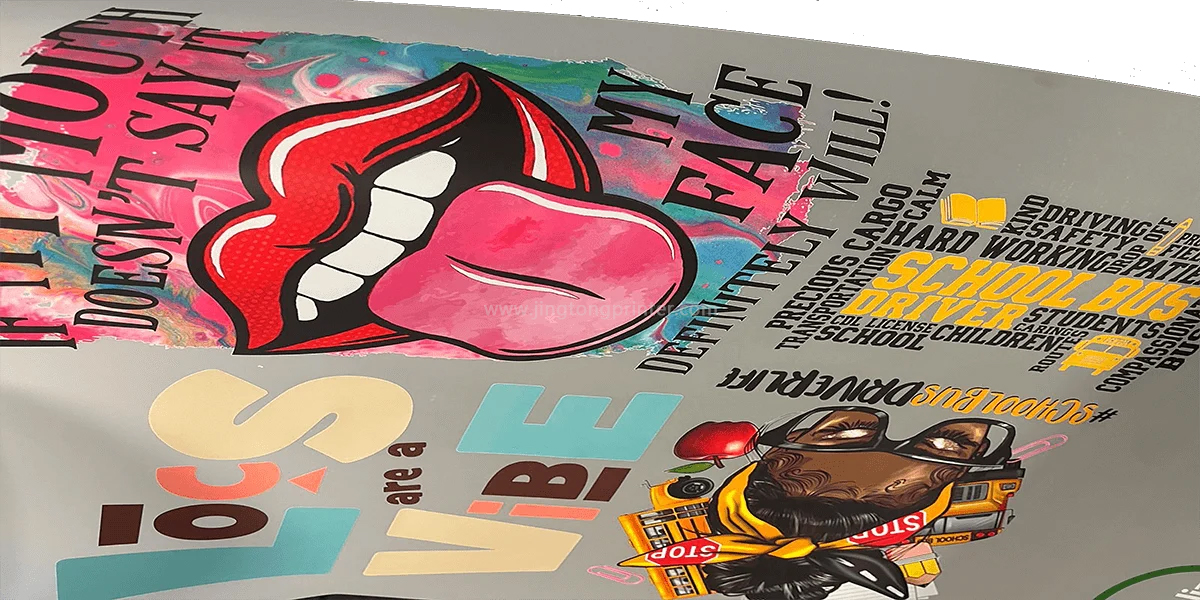
Partial peeling occurs when only certain areas of the design detach from the fabric, while the remaining image stays attached. Unlike general edge lifting, this defect can appear in the middle of a graphic, around small details, or in isolated sections.
It may become visible during film removal, stretching, or subsequent garment handling.
Common causes include:
● Uneven adhesive powder application.
● Incomplete or inconsistent powder curing.
● Uneven heat distribution across the platen.
● Localized pressure differences caused by garment seams or surface irregularities.
● Moisture or contamination on the fabric.
● Poor compatibility between the adhesive system and the textile.
The powder application and curing stages should also be inspected. If some areas of the printed film have insufficient adhesive coverage or the powder is not properly cured, those areas may not develop a reliable bond during heat pressing.
How to prevent it:
Check the printed film before pressing to confirm that adhesive powder covers the intended design areas evenly. Verify curing conditions and inspect the heat press for uneven heating or pressure. For garments with uneven surfaces, use appropriate positioning accessories to improve contact.
4. Incomplete Transfers: Why Does Part of the Design Remain on the Film?
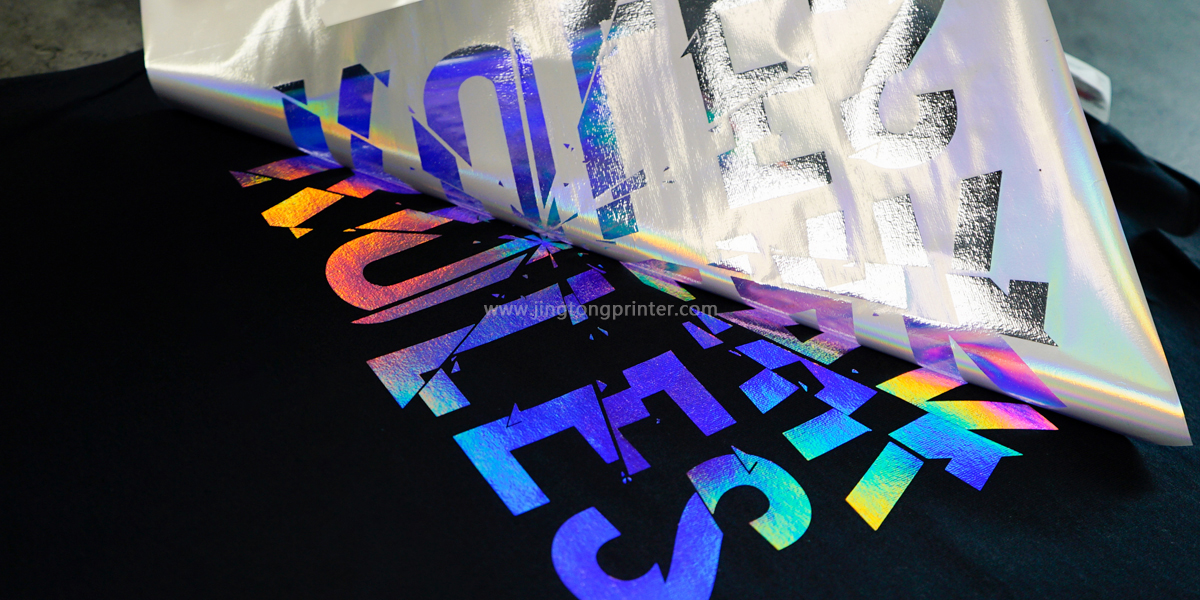
An incomplete transfer occurs when some parts of the printed design fail to release from the PET film or remain attached to it after peeling.
The defect may affect large areas or small details, depending on the cause.
Several factors can contribute to incomplete transfer:
● Incorrect peeling method: Hot-peel, warm-peel, and cold-peel films have different removal requirements.
● Insufficient heat exposure: The adhesive may not have activated sufficiently.
● Inadequate pressure: Poor contact between the film and fabric can prevent proper bonding.
● Insufficient curing: Adhesive powder may not have been properly melted or prepared before transfer.
● Film and powder compatibility: An unsuitable combination may affect release and adhesion performance.
How to prevent it:
First, confirm the peeling requirements of the specific PET film. Follow the recommended heat-press settings and inspect the powder-curing stage if the problem continues. Avoid assuming that every dtf film should be peeled immediately after pressing.
A small test transfer can help determine whether the issue is related to film handling, adhesive activation, or upstream production conditions.
5. How to Identify the Source of Transfer Defects
Different defects can have similar symptoms, so troubleshooting should consider the complete production workflow rather than focusing only on the heat press.
A practical diagnostic approach is to inspect each stage:
Artwork and printing: Check whether the original design contains unwanted transparent areas, weak details, or incorrect white ink coverage.
Powder application: Verify that the adhesive powder is distributed evenly across the intended printed areas.
Curing: Check whether the powder has been properly melted according to the material specifications. Inconsistent curing can lead to weak or uneven bonding.
Heat pressing: Verify actual temperature, pressure distribution, application time, and garment positioning.
Film peeling: Confirm that the film is removed using the correct hot-, warm-, or cold-peel method.
Finished garment: Inspect the design edges and small details, then conduct suitable stretch and wash tests to evaluate durability.
Changing several settings simultaneously makes it difficult to identify the real cause. A more reliable method is to adjust one variable at a time and compare the results using the same design and fabric.
Conclusion
Ghosting, edge lifting, partial peeling, and incomplete transfers can result from problems at different stages of DTF production. Film movement may cause ghosting, while inconsistent adhesive activation, pressure, curing, or material compatibility may contribute to poor adhesion and incomplete transfers.
Effective troubleshooting requires more than simply increasing heat or pressing time. By inspecting artwork, powder application, curing, heat-press conditions, and peeling procedures, operators can identify the actual source of defects and establish more consistent dtf transfer results.
get latest company news
Scan To Wechat